
How to Recover a Banned WhatsApp Account (2026 Guide)
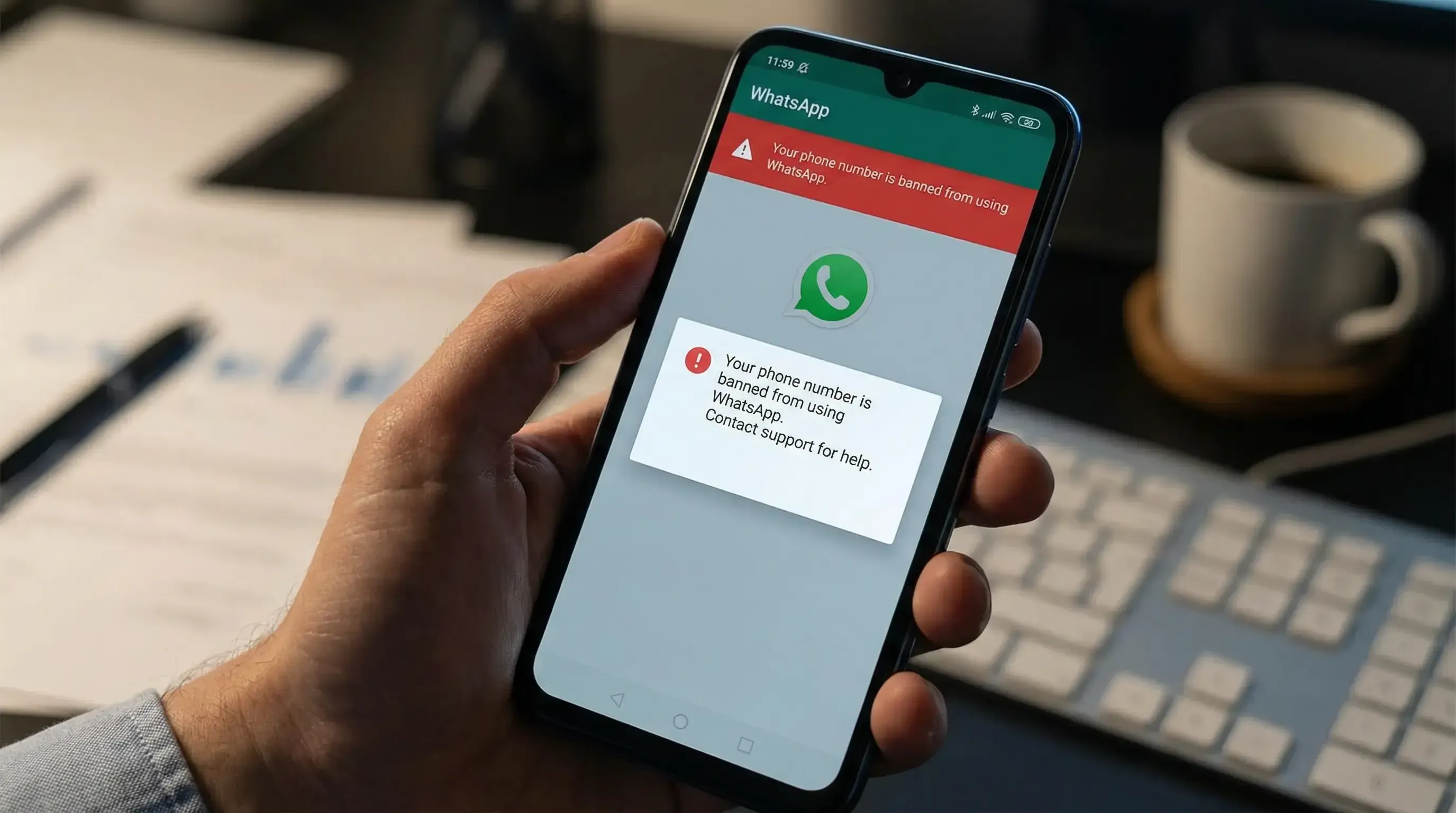
In 2026, WhatsApp bans are more common and harder to recover from than ever before.
If your account has been suspended or permanently banned, you're probably looking for a WhatsApp unban tool or a fast recovery solution.
The reality is that no third-party software can directly remove a WhatsApp ban. The safest recovery method today is submitting a Request Review through WhatsApp and following a proper account recovery process.
This guide explains why WhatsApp accounts get banned, how to appeal successfully, what happens after recovery, and how to reduce the risk of future restrictions.
Need help writing a professional appeal?
👉 Free WhatsApp Request Review AI Generator
Whether you're dealing with a temporary restriction or a permanent ban, you'll learn how to recover your account and build a healthier WhatsApp profile moving forward.
Why Your WhatsApp Account Was Banned: Common Triggers
WhatsApp uses advanced AI systems to detect spam, automation, and abusive behavior.
Common reasons include:
- Sending bulk messages or identical content to large numbers of unsaved contacts
- Using unofficial applications such as WhatsApp Plus or GB WhatsApp
- High complaint or report rates from recipients
- Adding users to groups without consent
- Aggressive outreach immediately after registration
- Suspicious environments, including shared IPs, virtual numbers, and device mismatches
- Violating WhatsApp policies through prohibited content or behavior
Step-by-Step Unban Process: How to Appeal Successfully
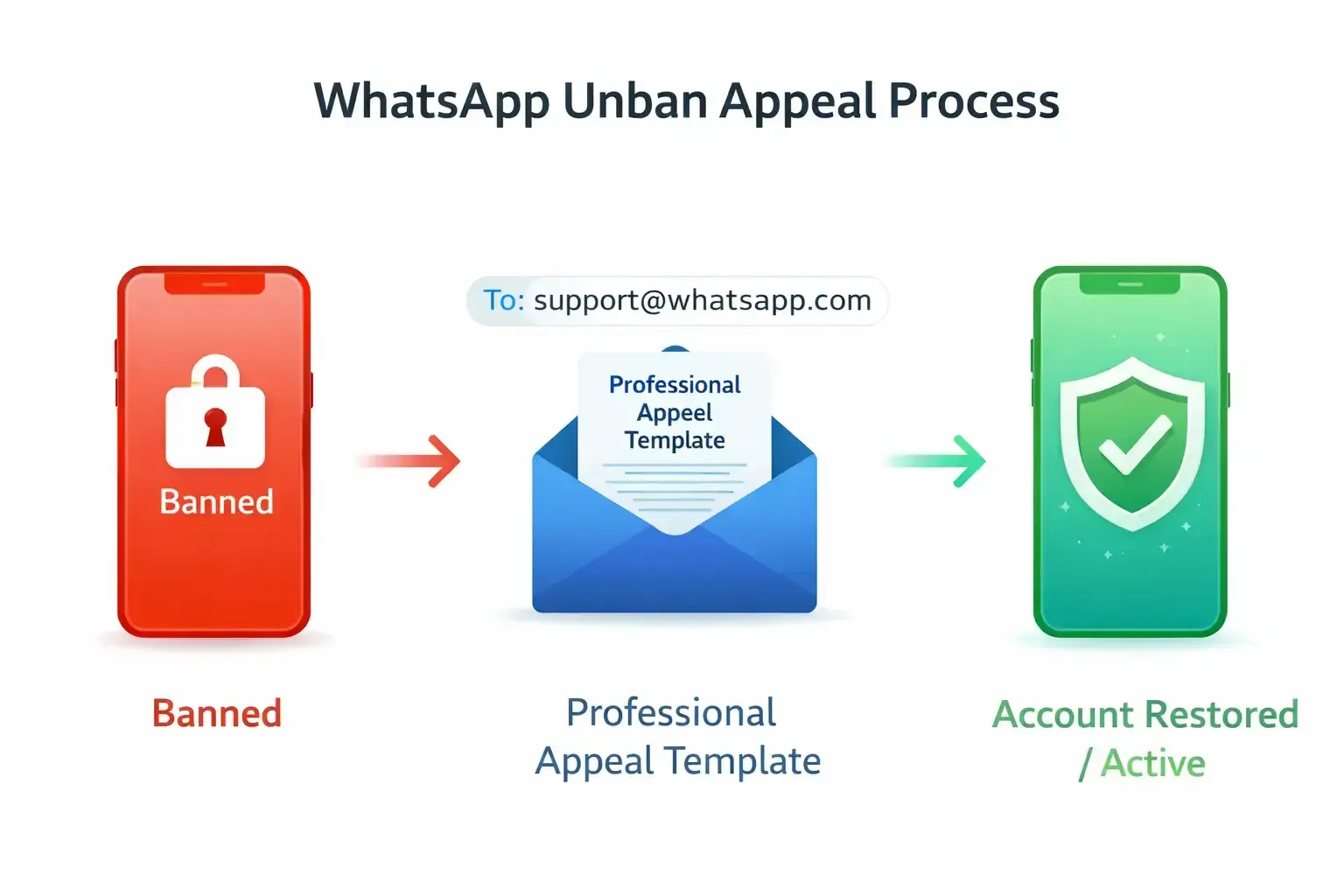
Most WhatsApp bans can be reversed through the official review process.
1. Identify the Ban Type
Open WhatsApp and review the message displayed.
You will typically see:
Temporary Ban
- Usually lasts 24–72 hours
- Often caused by unofficial apps or suspicious activity
- Usually resolves automatically
Permanent Ban
- "This account can no longer use WhatsApp"
- Requires a Request Review
2. Submit a Request Review
In 2026, WhatsApp primarily recommends using the built-in Request Review feature.
When submitting your request:
- Be polite and concise
- Explain the situation honestly
- Avoid emotional language
- Do not submit repeated requests in a short period
3. WhatsApp Appeal Templates
Template 1: Mistaken Restriction
Hello WhatsApp Team,
I believe my account may have been restricted by mistake.
I have reviewed WhatsApp's Terms of Service and will continue following all platform policies.
Please review my account and restore access if possible.
Thank you for your assistance.
Template 2: Unintentional Violation
Hello WhatsApp Team,
I recently noticed that my WhatsApp account has been restricted.
If any of my recent actions were flagged unintentionally, I sincerely apologize and will ensure full compliance with WhatsApp policies moving forward.
I kindly request a review of my account.
Thank you.
4. Wait for WhatsApp's Response
Most reviews are completed within:
- 24–48 hours
- Sometimes up to 72 hours
Complex cases may require additional review time.
Avoid submitting multiple requests during this period.
How Long Does WhatsApp Review Take?
Most users receive a response within one to three days.
Review time depends on:
- Account age
- Previous violations
- Report history
- Ban severity
Business accounts sometimes require additional review time.
Can a Permanently Banned WhatsApp Account Be Recovered?
Yes.
Many accounts are restored after review when the restriction was triggered by mistake or low-confidence automated detection.
Recovery chances are generally higher when:
- The account has a long positive history
- No serious policy violations occurred
- The user submits a professional appeal
Accounts involved in repeated spam, scams, or fraud are significantly less likely to be reinstated.
What Is a WhatsApp Unban Tool?
Many users search for:
- WhatsApp unban tool
- WhatsApp ban remover
- WhatsApp account recovery tool
However, no software can directly remove a WhatsApp ban.
The official recovery process is submitting a Request Review and waiting for WhatsApp's decision.
Some tools can help generate appeal messages or improve account quality after recovery, but they cannot bypass WhatsApp's review system.
Why Was My WhatsApp Business Account Banned?
Business accounts are commonly restricted because of:
- Bulk messaging
- Poor-quality lead lists
- High complaint rates
- Excessive outreach to cold contacts
- Repetitive messaging behavior
Maintaining healthy engagement and gradual account growth is essential for long-term stability.
Post-Unban Survival: The Critical Observation Period
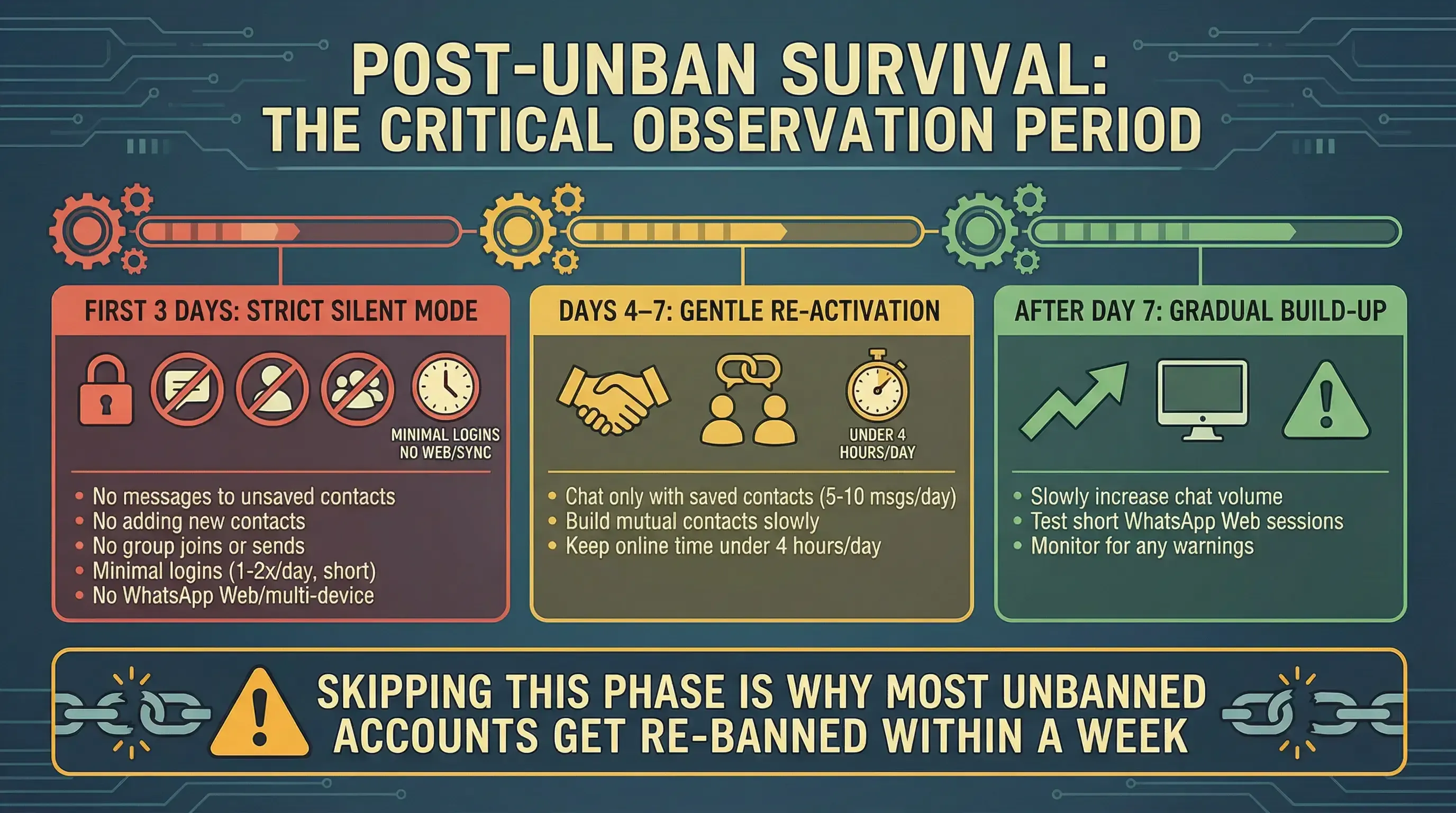
Once an account is restored, it enters a 7–14 day high-risk period.
Many users get banned again because they immediately return to aggressive messaging behavior.
First 3 Days: Strict Silent Mode
- No messages to unsaved contacts
- No adding new contacts
- No group joins or mass messaging
- Minimal login frequency
- Avoid WhatsApp Web if possible
Days 4–7: Gentle Re-Activation
- Chat only with saved contacts
- Build mutual contacts gradually
- Keep activity levels moderate
After Day 7: Gradual Build-Up
- Slowly increase messaging volume
- Reintroduce WhatsApp Web carefully
- Monitor account health and warning signs
Prevent Future Bans: A Structured WhatsApp Warm-Up System
The most effective way to reduce future restrictions is proper account warm-up.
Without gradual trust-building, even normal activity can appear suspicious to WhatsApp's systems.
Many businesses use dedicated warm-up systems after recovery to rebuild account trust and reduce future restriction risks.
WAWarmer helps automate this process by:
- Simulating natural conversation behavior
- Building mutual contact relationships
- Gradually increasing account activity
- Supporting safer account growth strategies
For a complete warm-up strategy, check our dedicated guide on WhatsApp account warm-up and long-term account stability.
Frequently Asked Questions
Can I Contact WhatsApp by Email?
WhatsApp now primarily recommends using the in-app Request Review process.
Email support is no longer the primary recovery channel for most users.
How Many Times Can I Request a Review?
Repeated submissions generally do not improve approval chances.
It is better to wait for a response before submitting another request.
Will a Restored Account Get Banned Again?
Yes.
Accounts that immediately resume aggressive messaging behavior face a significantly higher risk of future restrictions.
What Is the Fastest Way to Recover a WhatsApp Account?
The fastest method is submitting a professional Request Review and avoiding repeated actions that may trigger additional flags.
Final Thoughts
If your WhatsApp account has been banned, don't panic.
Use the official Request Review process, submit a professional appeal, and avoid risky behavior during the recovery period.
Most importantly, focus on rebuilding account trust after recovery.
That's the best way to avoid entering the ban-and-recovery cycle again.
WhatsApp Shadowban: Signs, Causes, and How to Fix It
Is your WhatsApp account shadowbanned? Learn how to detect a WhatsApp shadowban, understand why it happens, and apply proven methods to recover account visibility and message deliverability.
WhatsApp Bulk Sending Safety Guide: Why Passive Warm-Up Comes First
Learn WhatsApp bulk sending safety rules and risk boundaries. Discover why passive warm-up is the essential prerequisite for safe broadcast messaging and how to build a compliant sending workflow.