
WhatsApp Not Receiving Code? Try Again in 1 Hour Fix (2026 Guide)
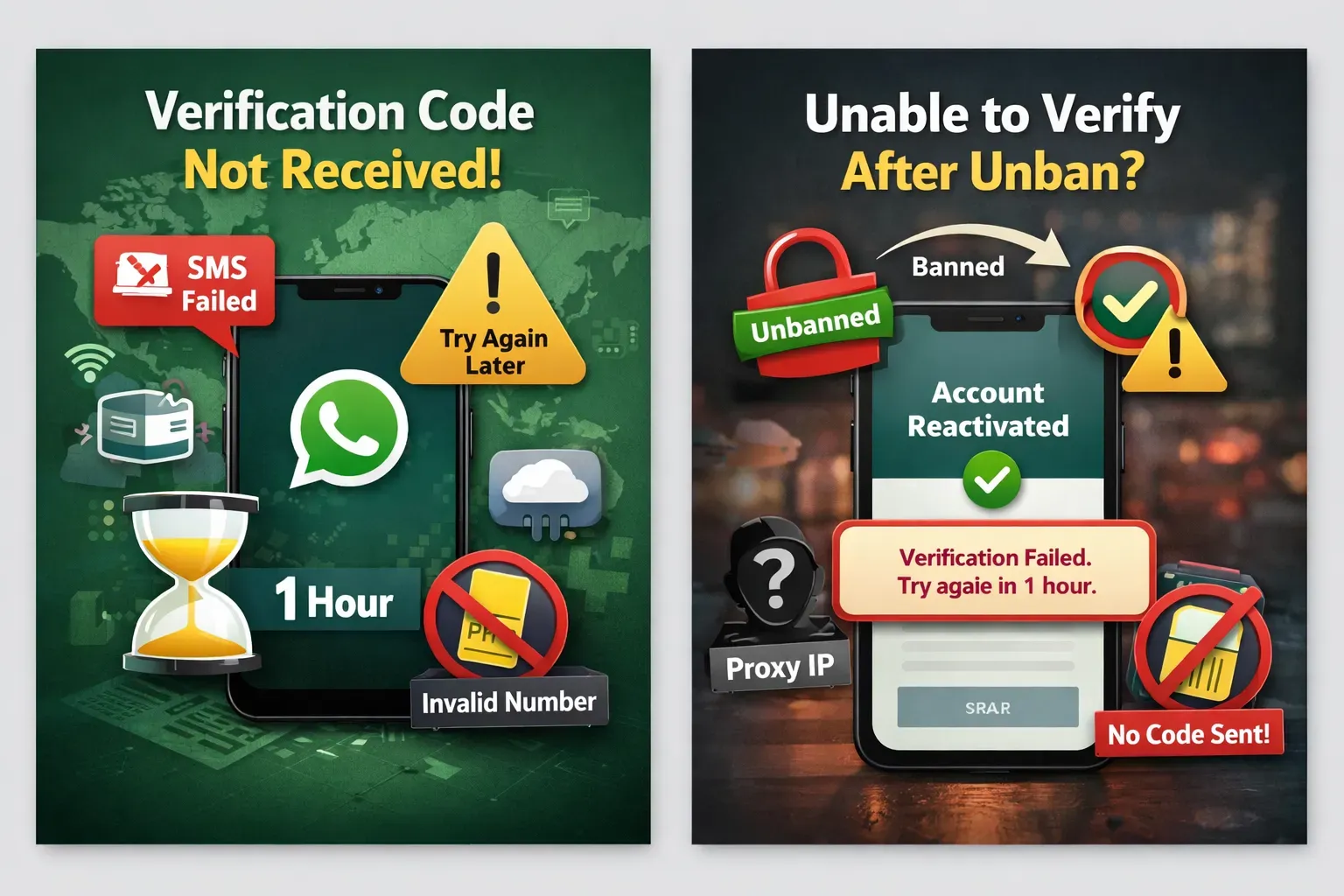
Many users face problems when registering or logging in to WhatsApp, especially errors like:
- WhatsApp not receiving code
- Try again in 1 hour
- Cannot send SMS verification
- Verification failed
- Cannot receive call code
- Cannot verify after unban
These problems are very common for users who use proxy IP, virtual numbers, multiple accounts, or frequently switch devices.
This guide explains:
- Why WhatsApp is not sending the code
- Why you see "try again in 1 hour"
- Why verification fails after unban
- How to fix WhatsApp verification problems correctly
1. Why WhatsApp Not Receiving Code During Registration
Registration is the strictest security stage in WhatsApp.
If the system detects risk, it may stop sending verification codes.
1.1 Using proxy, VPN, or abnormal IP
If you register using:
- VPN
- Proxy IP
- VPS / cloud server
- Emulator
- Fingerprint browser
WhatsApp may mark the environment as risky.
Common triggers:
- IP country different from phone number
- Too many accounts on one IP
- Datacenter IP
- Shared proxy
You may see:
- WhatsApp not receiving code
- Try again in 1 hour
- Cannot send SMS
- Verification failed
Fix:
- Use clean residential IP
- Use mobile network
- Match IP country with number
1.2 Too many verification attempts
If you request the code too many times:
- Request SMS repeatedly
- Request call repeatedly
- Enter wrong number
WhatsApp will block verification.
Common messages:
- Try again in 1 hour
- Too many attempts
- Temporarily unavailable
Fix:
- Stop retrying
- Wait at least 1 hour
- Sometimes wait 24 hours
Repeated attempts make the lock longer.
1.3 Virtual number cannot receive code
Many users use:
- SMS platforms
- VOIP numbers
- Temporary numbers
- Shared numbers
These numbers are often blocked.
Result:
- WhatsApp not receiving code
- No SMS
- No call
- Verification failed
Fix:
- Use real SIM card
- Use long-term number
- Avoid public SMS services
2. WhatsApp Not Receiving Code When Logging In
Verification problems also happen when logging in.
Common cases:
- New phone
- Reinstall WhatsApp
- Change IP
- Use emulator
- Use cloud phone
WhatsApp detects a new device and requires verification.
If environment is risky, code may not be sent.
Common errors:
- Verification failed
- Cannot send SMS
- Try again later
- Cannot receive code
Fix:
- Use original network
- Use stable IP
- Avoid switching devices often
3. Cannot Verify After Unban (Very Common)
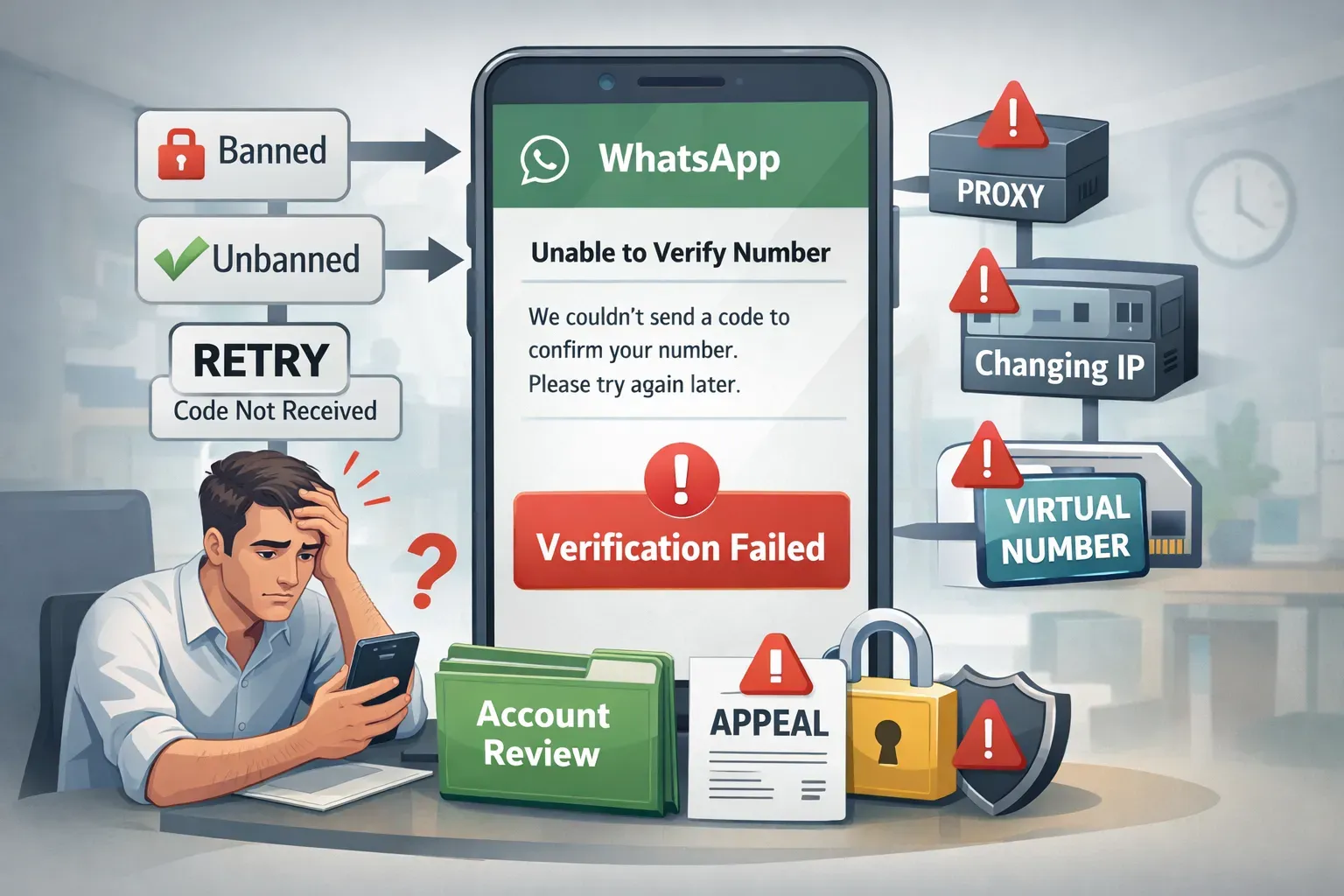
Many users find that after account recovery, WhatsApp is still not receiving code.
Typical flow:
- Account banned
- Submit review
- Account unbanned
- Login again
- Need verification
- Code not received
After ban, WhatsApp security becomes stricter.
Possible reasons:
- Proxy used before
- Too many registrations
- IP changed often
- Virtual number used
- Account reported before
If your account is still under review, using proper appeal text can increase success rate.
You can generate appeal messages here:
👉 WhatsApp Account Review AI Appeal Template
Better appeal content often leads to faster recovery and fewer verification problems.
4. What Does "Try Again in 1 Hour" Mean
This is not a bug.
It means WhatsApp temporarily blocked verification.
Limit time may increase:
- 1 hour
- 6 hours
- 12 hours
- 24 hours
If you keep retrying, the block becomes longer.
Correct way:
- Stop retrying
- Wait for cooldown
- Use clean IP
- Verify again later
5. How to Avoid WhatsApp Not Receiving Code
If you manage multiple accounts, follow these rules:
- Use real SIM cards
- Use stable IP
- Avoid shared proxy
- Avoid frequent registration
- Avoid switching devices
- Avoid risky environment
Stable environment = fewer verification errors.
6. Conclusion
If WhatsApp is not receiving code, the reason is usually security limits.
Most common situations:
- Register new account
- Login on new device
- Using proxy IP
- Using virtual number
- Verify after unban
If you need stable multi-account usage, consider using professional environment tools:
👉 WAWarmer
A stable environment can reduce verification errors and keep accounts safer.
SwitchyOmega Proxy: 2026 Quick Setup Guide
Learn how to use SwitchyOmega proxy in 2026 with SOCKS5, auto switch rules, and fingerprint isolation. Compare SwitchyOmega with fingerprint proxy solutions for safer WhatsApp multi-account management.
WhatsApp Business Account Banned? Avoid Mass Bans
Learn why WhatsApp Business accounts get banned, what causes mass bans, and how to reduce suspension risk with smarter traffic rotation and safer account activity.