
WhatsApp Bulk Sending Safety Guide: Why Passive Warm-Up Comes First
Why WhatsApp Bulk Sending Needs Safety Rules
For sales, e-commerce, and community teams, WhatsApp is one of the most effective outreach channels. But once teams start "bulk sending," problems appear quickly: messages fail to deliver, accounts get restricted, and entire batches of accounts can be limited at once.
The root cause usually isn't the "sending" itself. It's the lack of a solid safety foundation before sending starts. WhatsApp bulk sending safety isn't about limiting how much you send — it's about making sure every message reaches its destination and your accounts stay usable.
This article walks through WhatsApp's risk-detection logic, sending rules, account preparation, and tool implementation.
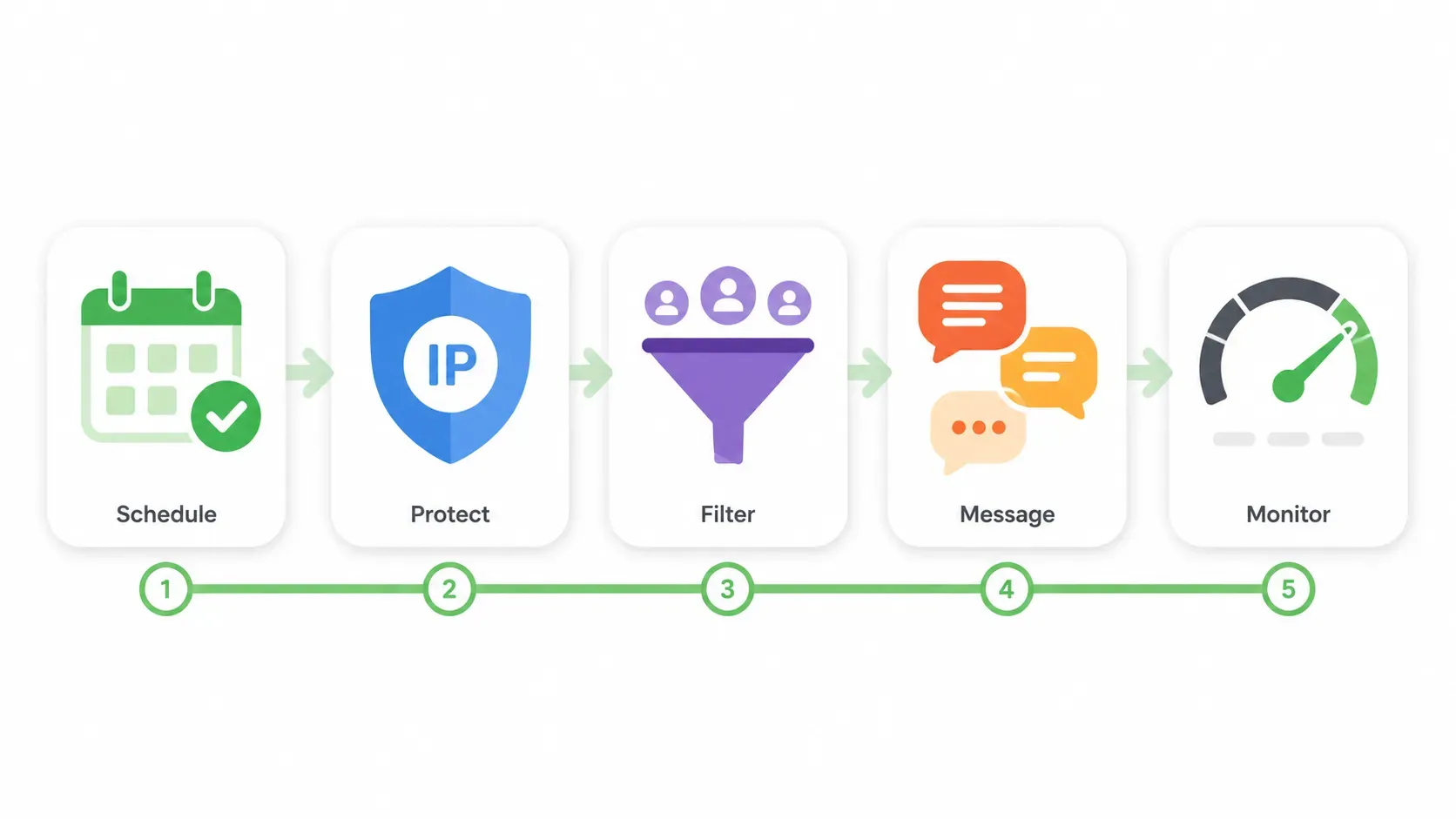
1. How WhatsApp Detects Suspicious Bulk Sending
WhatsApp's anti-spam system evaluates each wave of messages using several signals:
| Signal Dimension | What the System Watches | High-Risk Behavior |
|---|---|---|
| Send frequency | Messages per unit of time | 50+ messages in one minute |
| Content similarity | How repetitive the message text is | 90%+ identical content |
| Recipient quality | Whether recipients know or have interacted with you | Many strangers, no replies |
| Account age | How long the account has been registered | New account broadcasting on day one |
| Interaction feedback | Whether recipients reply or report | Low replies + high reports |
| Environment stability | Consistency of IP, device, and fingerprint | Frequent switching or shared environments |
These signals aren't judged in isolation. They're combined into a risk score. When multiple indicators turn red at once, the account gets restricted.
2. Passive Warm-Up: The Required Preparation Before Bulk Sending
Many people think bulk sending is all about "how to send." But what really determines safety is the state of the account before sending begins.
What Is Passive Warm-Up?
The core logic of passive warm-up is: use real, established accounts to actively message a new account, while the new account only receives and never sends. These older accounts have normal usage history and healthy weight. They initiate interactions with the new account — sending messages, making voice/video calls, adding it to active groups, viewing and liking status updates — so Meta's risk system sees the new account as "a real person being contacted by genuine contacts," not a marketing bot.
The essential difference from active warm-up is whether the account itself sends messages outward:
- Passive warm-up: The account makes zero outbound sends. It only receives inbound messages (Days 1–3 may not even reply, only receive)
- Active warm-up: The account actively sends messages, adds contacts, joins groups, broadcasts (high risk, easily banned)
In WhatsApp's weight model, passively receiving messages carries far more weight than one-way broadcasting — because "people reaching out to you" is the strongest real-social signal, while one-way broadcasting is the easiest behavior to flag as spam.
Why Passive Warm-Up Is a Prerequisite for Bulk Sending
- Survive the critical window safely: The first 3–7 days after registration are under heavy system observation. Any outbound activity during this period is very likely to trigger restrictions. Passive warm-up builds trust score without any active sending.
- Reduce later sending risk: An account that completes passive warm-up (first 7 days receiving only) can handle moderate sending volume much better than a raw new account.
- Improve delivery rate: A mature account typically maintains a double-check delivery rate above 90%.
- Revive cold accounts: Accounts that have been throttled or restricted can recover faster by receiving inbound activity from real older accounts.
3. WhatsApp Bulk Sending Safety Rules
Once an account has completed passive warm-up and entered the send-ready stage, the following rules still apply:
Rule 1: Set Daily Limits by Account Stage
| Account Stage | Daily Active Send Limit | Broadcast Limit | Content Requirement |
|---|---|---|---|
| New (0–21 days) | No active sending allowed | Not allowed | Passive warm-up stage (receive only / minimal replies) |
| Cultivation (22–60 days) | 50–80 messages | Once per week | Personalized |
| Mature (60+ days) | 100–200 messages | 2–3 times per week | Moderately templated |
Rule 2: Control Sending Rhythm
- Hourly send volume should not exceed 20% of the daily limit
- Avoid sending exactly on the hour
- Leave 3–5 second random intervals between messages
- After sending, watch the delivery rate for 30 minutes. Pause immediately if it drops below 85%
Rule 3: Content Variation
Even for the same promotion, differentiate the messages:
- Vary greetings: Hi Name / Hello Name / Hi there
- Vary openings: "Quick question..." / "I noticed..." / "Wanted to share..."
- Vary closings: "Let me know" / "Reply if interested" / "No rush"
- Insert variables: customer name, region, product name, last interaction time
Goal: make it impossible for the system to recognize the messages as identical bulk blasts.
Rule 4: Maintain a High Reply Rate
Bulk sending isn't one-way output. The core safety metrics are:
- Reply rate ≥ 20% (healthy)
- Report rate ≤ 0.1% (warning line)
- Block rate ≤ 0.5% (warning line)
If reply rate stays below 10%, the list quality or content is the problem. Stop sending and optimize.
Rule 5: List Quality Management
- Only send to people you have a valid reason to contact: asked for a quote, filled a form, placed an order, or clearly expressed interest
- Regularly clean numbers that haven't interacted in a long time or repeatedly fail to deliver
- Never buy or import phone lists from unknown sources
4. Pre-Send Environment Checklist
Before every bulk send, confirm the following:
- Account has completed passive warm-up and entered send-ready stage
- Account has no restrictions or reports in the last 7 days
- Using an independent IP not shared with other accounts
- Device fingerprint is stable, no frequent switching
- WebRTC and Canvas fingerprints are protected
- Message content has been diversified
- Recipient list has been filtered, high-risk numbers removed
- Send limits and pause thresholds are configured
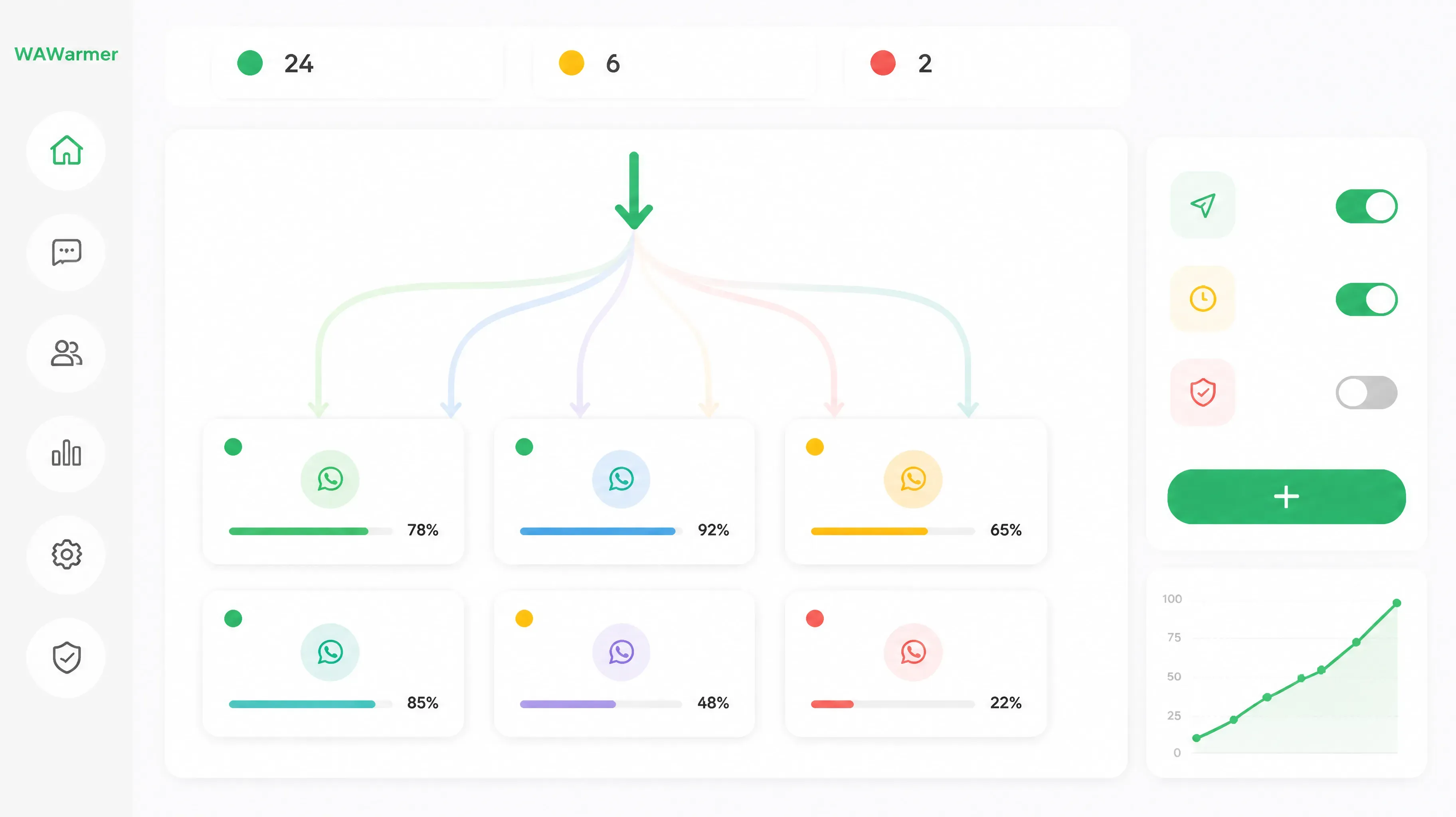
This is why many users combine bulk sending with WAWarmer.
WAWarmer distributes inbound traffic evenly across multiple WhatsApp accounts through rotation and smart allocation, reducing the risk of overload on a single account. For WhatsApp bulk sending safety, the core features include:
- Dedicated Window Proxy — each account has its own IP, avoiding shared-proxy contamination
- Unique Device Fingerprint — every account runs in a fully isolated environment
- Batch Proxy Import — efficiently configure environments for large numbers of sending accounts
- Unified Multi-Account Management — view all account statuses in one place
- Automated Warm-up Engine — new accounts automatically complete passive warm-up on schedule
- Traffic Rotation — spread sending pressure so no single account triggers risk controls
5. Common Issues and Solutions
| Issue | Likely Cause | Solution |
|---|---|---|
| Messages show only one check | Account restricted or recipient blocked | Pause sending for 24 hours, check account status |
| Account restricted right after sending | New account / overload / high content similarity | Return to warm-up, lower frequency, rewrite content |
| Reply rate below 5% | Poor list quality or irrelevant content | Clean the list, optimize content |
| Multiple accounts restricted together | Shared IP or linked environment | Immediately isolate environments: one account = one IP = one fingerprint |
| Bulk sending tool errors | Using unofficial / high-risk tools | Switch to compliant tools or operate manually |
Summary
The core of WhatsApp bulk sending safety isn't "how to send more," but "how to make the account qualified to send." Passive warm-up is that qualification process — it determines account weight, trust, and resilience.
Any approach that skips warm-up and chases send volume will hit restrictions quickly. Teams that invest 70% of their energy in account preparation and 30% in sending execution usually go further and more stably.
For teams that need long-term stable operations, building a compliant sending system with the right tool is far more efficient than dealing with bans afterward.
Try WAWarmer and build a safe, scalable WhatsApp multi-account infrastructure for your bulk sending business.
How to Recover a Banned WhatsApp Account (2026 Guide)
WhatsApp banned in 2026? Learn how to recover your account, submit a Request Review, use appeal templates, and prevent future bans with proper account warm-up.
WhatsApp Tightens Stranger Messages: How Marketing Teams Can Adapt
WhatsApp rolled out message request folders, stranger-message monthly limits, and strict account settings in 2026. Learn what changed and how sales and marketing teams should adjust their outreach strategy.