
Best WhatsApp Warmup Tool 2026: Top Passive Warming Picks
As WhatsApp continues tightening controls on stranger messages and abnormal behavior, more teams in 2026 are turning to passive warming to keep new accounts safe. But running passive warming manually across dozens of accounts is unrealistic — which is why the best WhatsApp warmup tool for 2026 has become such a hot topic.
This guide breaks down what to look for in a passive warming tool, compares the main options, and helps you decide which fits your team.
Why Passive Warming Needs a Dedicated Tool
Passive warming follows one core logic: real old accounts send messages to new accounts, and the new accounts only receive, never initiate. This builds trust through real inbound traffic.
When you only manage 1–2 accounts, manual work is fine. But once you scale to 10, 50, or 100+ accounts, manual warmup breaks down fast:
- Coordinating real old accounts as traffic sources becomes painful
- Each account needs separate scheduling to avoid rhythm collisions
- Reply timing, daily activity, and stage progression are hard to keep consistent
- When one account hits a risk signal, root-causing it takes hours
A proper WhatsApp warmup tool automates these repetitive, mechanical, high-risk steps while keeping humans in control of the strategy.
Key Features to Look For in 2026
When evaluating a passive warming tool, focus on these 5 capabilities:
1. Real Old Account as Traffic Source
The tool should let you import real, established accounts to act as the inbound source. Virtual numbers that message each other carry a much higher risk of being flagged as abnormal traffic.
2. Stage-Based Rhythm Configuration
Passive warming is not "one-size-fits-all." You need different rhythms for:
- Day 1–3: pure receive, no reply
- Day 4–6: half-passive, light replies allowed
- Day 7+: mild outbound, gradually increase activity
3. Per-Account Progress Tracking
A dashboard that shows each account's inbound count, reply ratio, current stage, and risk flags saves hours of manual checking.
4. Anomaly Alerts
When reply rate drops, delivery fails, or a temporary restriction triggers, the tool should notify you immediately — not after you discover it manually the next day.
5. Bulk Operations and Recovery
When one account is limited, you need to quickly pull it out, switch it to a backup, and continue the campaign. Tools without bulk recovery become operational bottlenecks at scale.
Top WhatsApp Warmup Tools in 2026
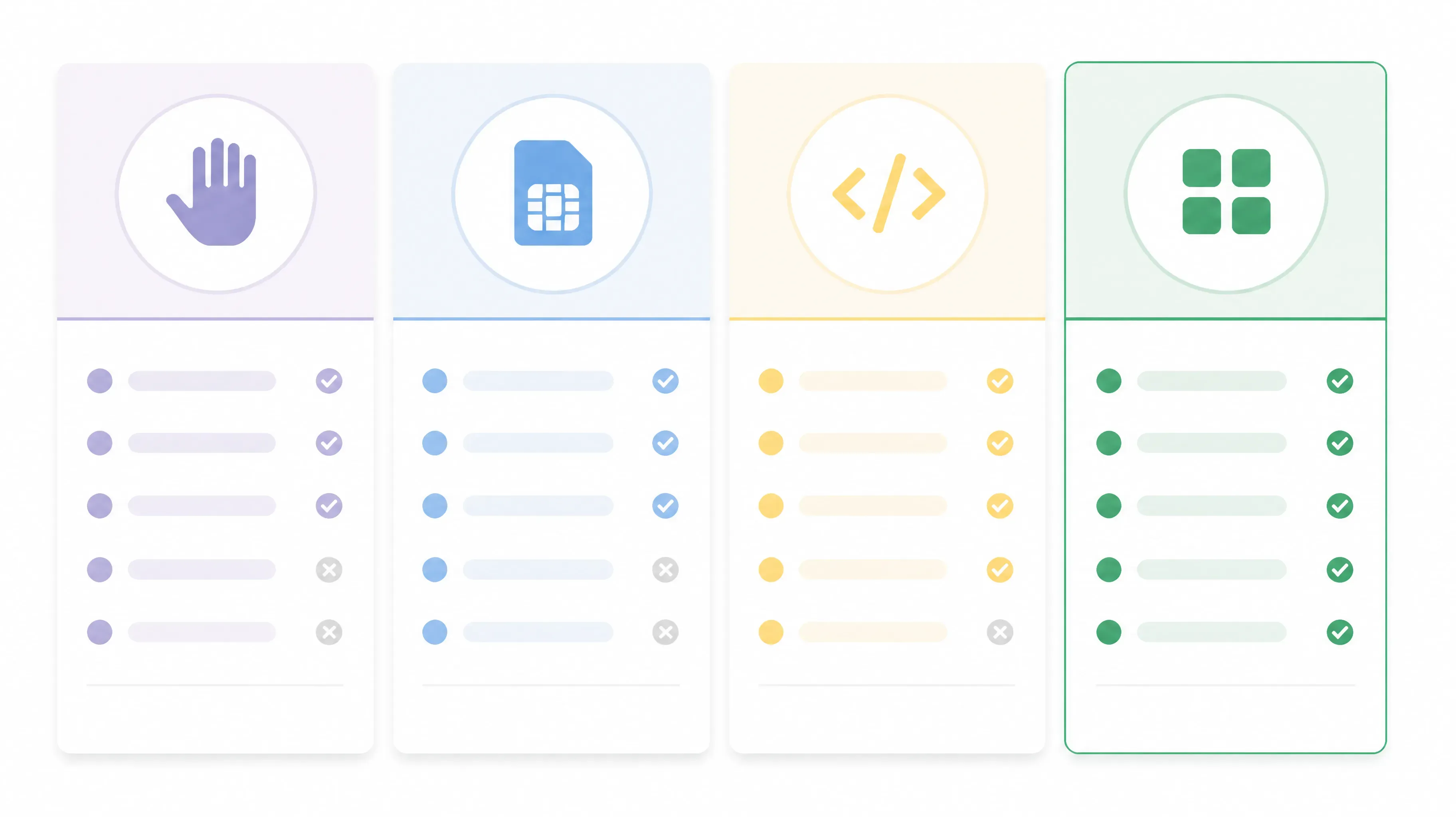
The 2026 landscape of WhatsApp warmup tools roughly falls into four categories:
| Category | Example Approach | Cost | Efficiency | Risk | Scalability | Best For |
|---|---|---|---|---|---|---|
| Manual | Staff with multiple phones | Low | Very low | Medium | Poor | 1–3 accounts |
| Virtual Number Platforms | Bulk virtual numbers messaging each other | Medium | Low | High | Medium | Short-term tests |
| Automation Scripts | Custom scripts mimicking human behavior | Medium-low | Medium | High | Medium | Teams with dev resources |
| Professional Tools | WAWarmer-style matrix management | Medium-high | High | Low | Strong | Scaled, stable operations |
Manual Approach
Staff use multiple phones to send messages between accounts on a schedule.
Pros: Low cost, no learning curve. Cons: Hard to scale, environments get mixed, behavior is inconsistent, hard to track risk signals.
Virtual Number Platforms
Platforms that sell virtual numbers in bulk and let them "warm each other."
Pros: Fast to acquire, low cost. Cons: Virtual numbers have low trust, short lifecycles, and customer data is hard to recover after a ban.
Automation Scripts
In-house scripts that simulate opening WhatsApp Web, sending messages, and reading notifications.
Pros: Highly customizable, controllable cost. Cons: High maintenance, breaks when WhatsApp UI changes, no environment isolation, no visualization layer.
Professional Tools
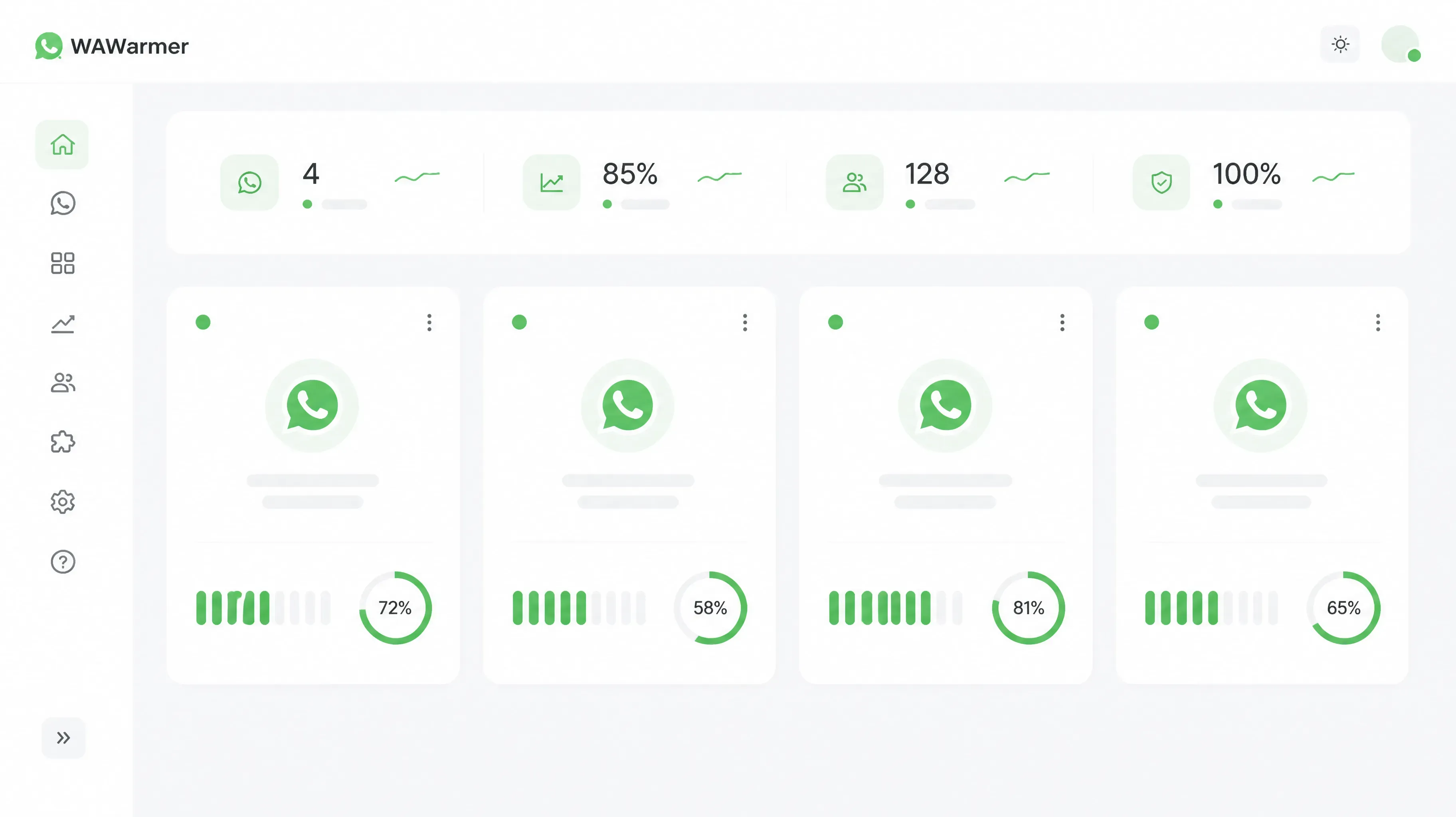
Professional tools typically offer account matrix management, dedicated warmup scheduling, traffic source control, and monitoring dashboards.
Pros: Standardized process, scalable, low risk, visual monitoring. Cons: Higher cost than the other three options.
Why Teams Choose WAWarmer
After comparing the four categories, if you need standardized passive warming at scale, professional tools are usually the easier choice. This is why more teams are turning to tools like WAWarmer.
WAWarmer packages the passive warming workflow into configurable, trackable automation: teams can import real old accounts as the inbound source, set 7-day or 14-day warming rhythms, and let new accounts complete their observation period in a "receive-only" state. Compared to manual messaging, this approach is much easier to keep consistent and lets you manage dozens of accounts in parallel. For teams that need long-term stability, WAWarmer offers a more complete solution.
In the passive warming scenario, WAWarmer's main capabilities include:
- Warm-up Contact Pool
- Automated Inbound Scheduling
- Stage-Based Warm-up Rhythm
- WhatsApp Account Warm-up
Choosing by Team Size
| Team Size | Account Count | Recommended Approach | Reason |
|---|---|---|---|
| Individual / small | 1–3 | Manual | Low cost, no complexity |
| Small team testing | 3–10 | Manual + light tools | Stay flexible, formalize gradually |
| Mid-size business | 10–50 | Professional warmup tool | Scalable, traceable, low risk |
| Large matrix | 50+ | Professional tool + custom | Standardize first, build custom on top |
Common Misconceptions
Misconception 1: Any tool can guarantee zero bans.
No tool can promise zero bans. Tools reduce risk, improve efficiency, and provide traceability — they don't bypass platform rules.
Misconception 2: Passive warming = leaving the software running.
Passive warming is not "set and forget." It needs real old accounts, stage-appropriate rhythms, and regular status checks.
Misconception 3: The most expensive tool is the best.
Match the tool to your team. Small teams buying enterprise tools pay for features they don't use. Large teams using lightweight tools hit scaling ceilings.
The Leading WhatsApp Warmup Tools, Compared (2026)
Beyond the four approach categories above, here are the tools teams actually evaluate side by side in 2026:
| Tool | Type | Warmup method | Standout feature | Pricing (approx.) | Best for |
|---|---|---|---|---|---|
| WAWarmer | Cloud / multi-device | Real old accounts as inbound source + AI human-like replies | Account health & warm-up progress dashboards, stage-based rhythm | Freemium; paid scales with accounts | Teams wanting managed, measurable warm-up |
| WA Hammer (BotBulk) | Windows desktop | Simulated natural activity | Bulk-messaging prep, phonebook & chat export, unified dashboard | $45/yr or $90 lifetime (single PC) | Low-cost desktop users on one machine |
| WaWarm (WAToolkit) | Windows desktop | Auto-conversations between added accounts | Unlimited accounts, per-account proxy, 2 warmer modes | $5/mo, $20/6mo, or $30/yr | Budget multi-account operators on Windows |
| WAppSenderPro / Whatso / WhatSender | Windows desktop bulk senders | Warm-up as a feature of bulk messaging | Broadcast + warm-up combo | one-time licenses ~$30–$130 | Teams whose priority is sending, not just warming |
How WAWarmer compares
WAWarmer's differentiator is that warming is built around real inbound traffic from established accounts plus AI-generated human-like replies, with a dashboard that shows each account's warm-up progress and health. That makes it a fit for teams that want warming to be observable and repeatable rather than a black box running on one PC.
Honest limitations to weigh:
- WAWarmer is freemium — the free tier is enough to try the core workflow, but higher account counts, throughput, and team features require a paid plan.
- It works best when you can supply real old accounts as the inbound source; that's setup effort, not a fully hands-off product.
- Like every tool in this space, no plan can guarantee zero bans. WAWarmer reduces risk and adds traceability; it does not bypass WhatsApp's rules.
The desktop tools above (WA Hammer, WaWarm) win on one-time price and run fully offline on a single Windows machine, but they trade away cloud access, multi-device management, and the kind of progress visibility WAWarmer emphasizes.
Frequently Asked Questions
What is the best WhatsApp warmup tool in 2026? It depends on team size and how you run accounts. Cloud tools like WAWarmer suit teams wanting managed, measurable warm-up across devices; Windows desktop tools like WA Hammer or WaWarm suit single-machine, budget-conscious operators.
Can a warmup tool guarantee my account won't be banned? No. Any tool that promises "100% ban-proof" is overstating. Warming reduces risk and improves consistency; it does not bypass platform rules. Safe outcomes come from combining a good tool with sound account strategy — real inbound, staged rhythms, and clean IPs.
How long should I warm up a new WhatsApp number before bulk messaging? Most teams stage warming over 7–14 days (receive-only first, then light replies, then gradual outbound). Meta does not publish an official warm-up schedule, so treat any fixed "X days = safe" claim as a rule of thumb, not a guarantee. Readiness is better judged by account health signals than by a calendar.
Do I need a warmup tool if I only message saved contacts? If you only message contacts who opted in and keep volume modest, manual warming is often enough. Tools pay off once you manage many numbers, use fresh numbers, or need consistent inbound at scale.
What does WhatsApp's quality rating have to do with warming? WhatsApp scores each phone number's quality (green / yellow / red) based on user actions like blocks and reports. Warming builds the healthy inbound and engagement patterns that protect that score. You can track readiness with WAWarmer's account health dashboard, and keep accounts naturally active with AI human-like conversations.
Conclusion
The best WhatsApp warmup tool for 2026 depends on your team size, account count, and long-term goals. The four main categories — manual, virtual numbers, automation scripts, and professional tools — each have their place.
For most teams looking to scale and stabilize WhatsApp operations, professional tools bring clear advantages in task scheduling, process standardization, and risk monitoring. Turning passive warming into a repeatable, standardized process is one of the most effective ways to reduce ban rates in 2026.
Related:
- WhatsApp Account Health & Quality Rating: Track Warm-Up Readiness
- WhatsApp AI Conversation Warm-Up: Human-Like Engagement at Scale
- WAWarmer vs WhatSender: Bulk Sending vs Account Warming
- WAWarmer vs WA Web Plus: CRM Extension vs Account Warming
Try WAWarmer and experience automated passive warming in a matrix environment.
Send Me WhatsApp Message: Why Passive Reception Means Safety
Learn why 'send me WhatsApp message' passive reception beats cold outreach. Build trust, reduce ban risk, and warm up new WhatsApp accounts safely.
WhatsApp Mass Marketing 2026: Build a Bulletproof Risk System
WhatsApp Mass Marketing 2026: Build bulletproof systems with pre-send checkers, fingerprint browsers, clean IPs, and warm-up tools. Avoid bulk bans safely.