
WhatsApp Business Account Banned? Avoid Mass Bans
WhatsApp Business Account Banned? Avoid Mass Bans
Has your WhatsApp Business account banned without clear warning?
You're not alone. Many businesses wake up to suspended numbers, lost customer chats, and disrupted sales pipelines. In some cases, several numbers are banned at the same time.
For teams using WhatsApp for lead generation, customer support, or international sales, a ban can stop business instantly.
The good news: most bans are not random.
They usually come from risk signals, sending patterns, or overloaded account activity. In this guide, you'll learn:
- Why WhatsApp Business accounts get banned
- Why multiple numbers may be banned together
- Hidden mistakes many teams ignore
- How to reduce future ban risk
- How smarter traffic distribution helps protect accounts
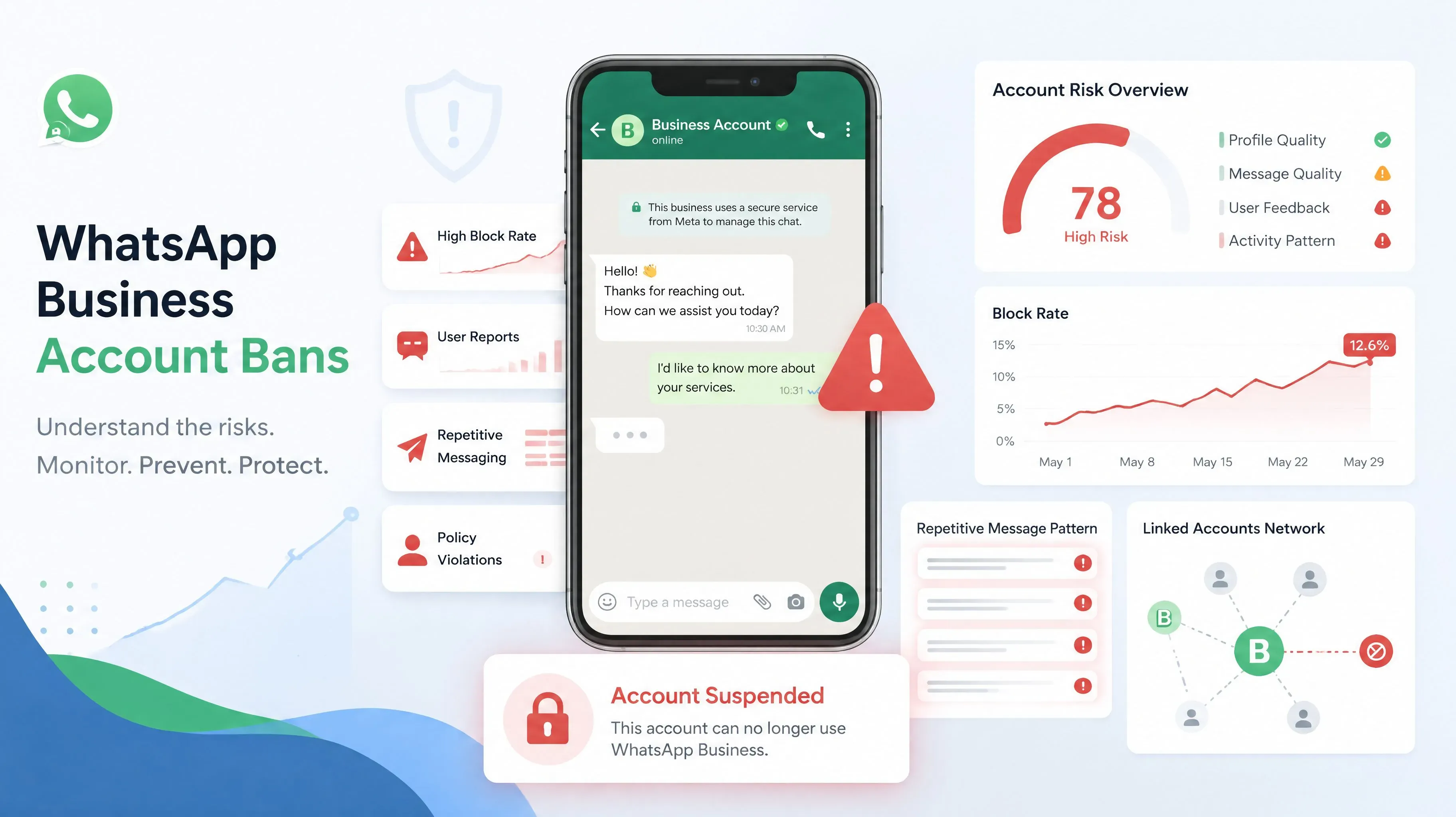
Why Was My WhatsApp Business Account Banned?
Many users say their WhatsApp Business account banned for no reason.
But in most cases, WhatsApp systems detect behavior that looks unsafe, spammy, or automated.
Common triggers include:
1. Too Many New Conversations Too Fast
If a number suddenly starts many first-time chats in a short period, it may look suspicious.
This often happens when one account receives all leads from ads, landing pages, or campaigns.
2. High Block or Report Rate
If many recipients block the number or report messages, risk increases quickly.
Even legitimate businesses can trigger this when messaging cold contacts too aggressively.
3. Repetitive Messages
Sending the same script repeatedly across many chats can look like spam behavior.
4. New Account With Heavy Activity
Fresh accounts that immediately behave like mature sales accounts may face review.
5. Linked Multi-Account Patterns
If multiple numbers share similar activity, same message style, or suspicious infrastructure, several accounts may be reviewed together.
Why Do WhatsApp Mass Bans Happen?
One of the biggest problems for growing teams is WhatsApp mass banned events.
Instead of losing one number, businesses lose multiple numbers at once.
This often happens when several accounts are connected by the same risk pattern:
- Same traffic source
- Same message templates
- Same device environment
- Same aggressive outreach strategy
- Same sudden activity spikes
When one account is flagged, related numbers may face higher scrutiny.
That is why businesses sometimes lose 5, 10, or even more numbers in one wave.
Hidden Mistakes That Increase Ban Risk
Many teams do not realize these daily habits create problems.
Sending All Leads to One Number
If one account handles every visitor, every ad lead, and every first message, activity becomes unnatural.
No Warm-Up Process
New numbers should not start with high-volume outreach immediately.
Instant Replies 24/7
Unnatural speed and identical response behavior can look automated.
Copy-Paste Outreach at Scale
Mass identical scripts reduce trust and increase reports.
No Backup Account Structure
If one number fails, the whole funnel stops.
How to Reduce WhatsApp Business Ban Risk
No method guarantees zero bans, but smart operations can greatly reduce risk.
1. Warm Up Accounts Gradually
Increase activity slowly over time. Let accounts build normal behavior before heavy use.
2. Use Human-Like Messaging Patterns
Vary timing, message structure, and conversation flow.
3. Improve Contact Quality
Talk to users who expect your message. Better targeting means fewer reports.
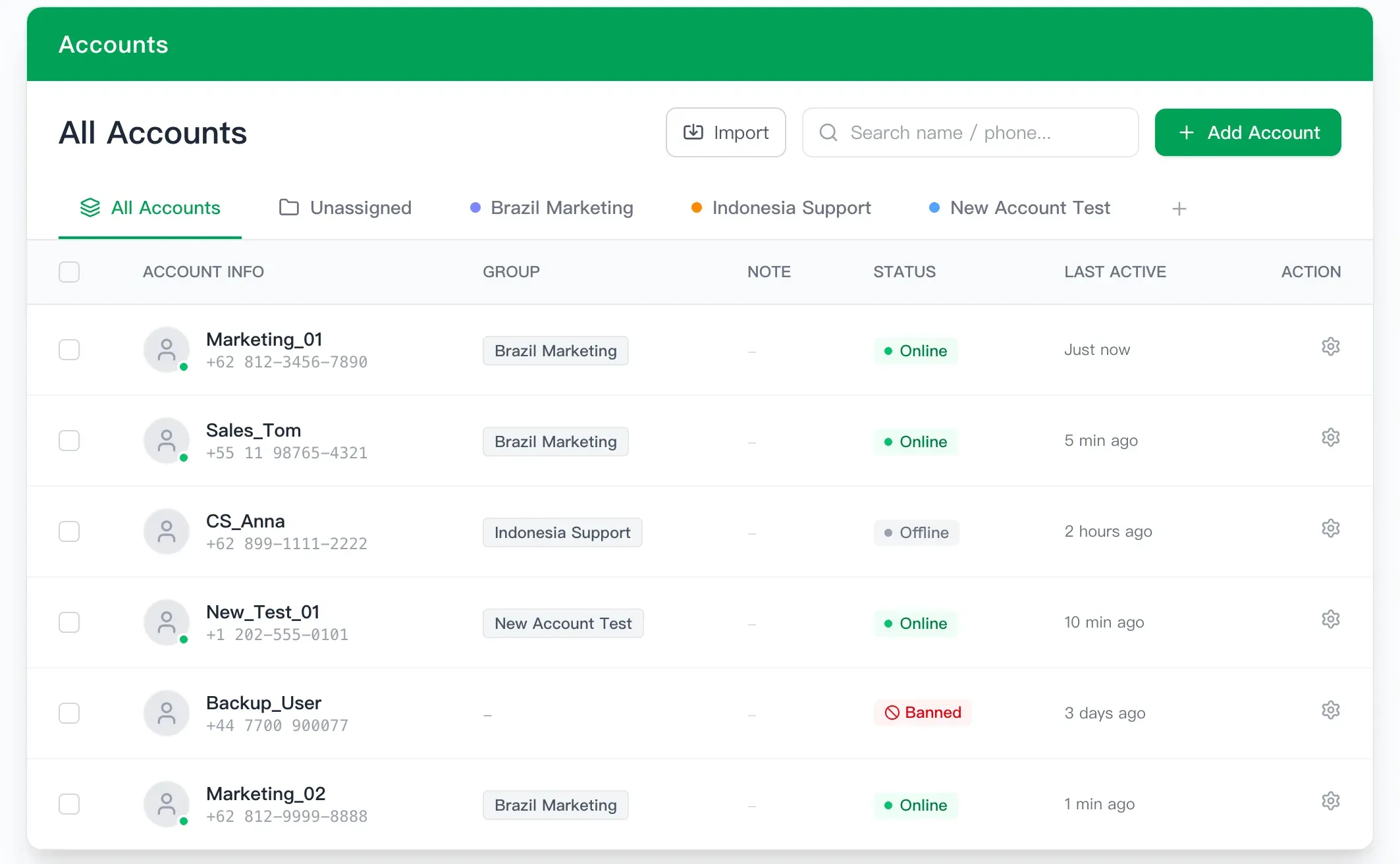
4. Spread Workload Across Numbers
Do not overload one number with all traffic.
5. Separate Teams or Campaigns
Use different numbers for support, sales, and promotions.
6. Monitor Warning Signals
If reply quality drops, reports rise, or restrictions appear, slow down immediately.
Smart Businesses Use a WhatsApp Link Rotator
A major cause of bans is forcing all traffic into one account.
Instead, many teams now use a WhatsApp Link Rotator to distribute incoming visitors across multiple WhatsApp numbers automatically.
This helps create healthier traffic patterns.
Benefits include:
- Lower pressure on each number
- More balanced first-time chats
- Faster team response times
- Easier scaling across staff accounts
- Reduced risk of one number becoming overloaded
If your current setup sends every customer to one WhatsApp account, traffic rotation is a smarter long-term solution.
What to Do If Your WhatsApp Business Account Is Already Banned
If your WhatsApp Business account banned already happened:
Stop Risky Activity Immediately
Do not repeat the same messaging behavior on other numbers.
Review Your Traffic Source
Check whether one number was overloaded by campaigns or website traffic.
Improve Future Setup
Use multiple numbers, healthier pacing, and better traffic distribution.
Protect Remaining Accounts
Separate usage patterns and reduce sudden spikes.
FAQ
Can WhatsApp ban business accounts without warning?
Yes. Automated systems may restrict accounts before manual review.
Why were several business numbers banned together?
Shared behavior, similar traffic patterns, or linked operational signals can increase risk.
How do I reduce future bans?
Use gradual warm-up, better message quality, and balanced lead distribution.
Is sending all leads to one number risky?
Yes. Sudden high-volume first-time chats can create unnecessary pressure.
Final Thoughts
If your WhatsApp Business account banned unexpectedly, the issue may not be one account—it may be your operating model.
Most businesses focus on getting more leads, but ignore how those leads are distributed.
Safer growth comes from smarter systems.
If you want to reduce pressure on individual numbers and scale more safely, try a WhatsApp Link Rotator to balance incoming traffic across multiple accounts.
WhatsApp Not Receiving Code? Try Again in 1 Hour Fix (2026 Guide)
Fix WhatsApp not receiving code, try again in 1 hour, SMS verification failed, or cannot verify after unban. Full 2026 guide for stable WhatsApp accounts.
How to Warm Up WhatsApp Accounts 2026: Step-by-Step Guide
A step-by-step onboarding guide for WAWarmer. Learn how to connect WhatsApp accounts, navigate the dashboard, configure warm-up rules, manage tasks, setup proxies, and maintain account health.