
WhatsApp Blue Tick Verification: How to Get Verified in 2026
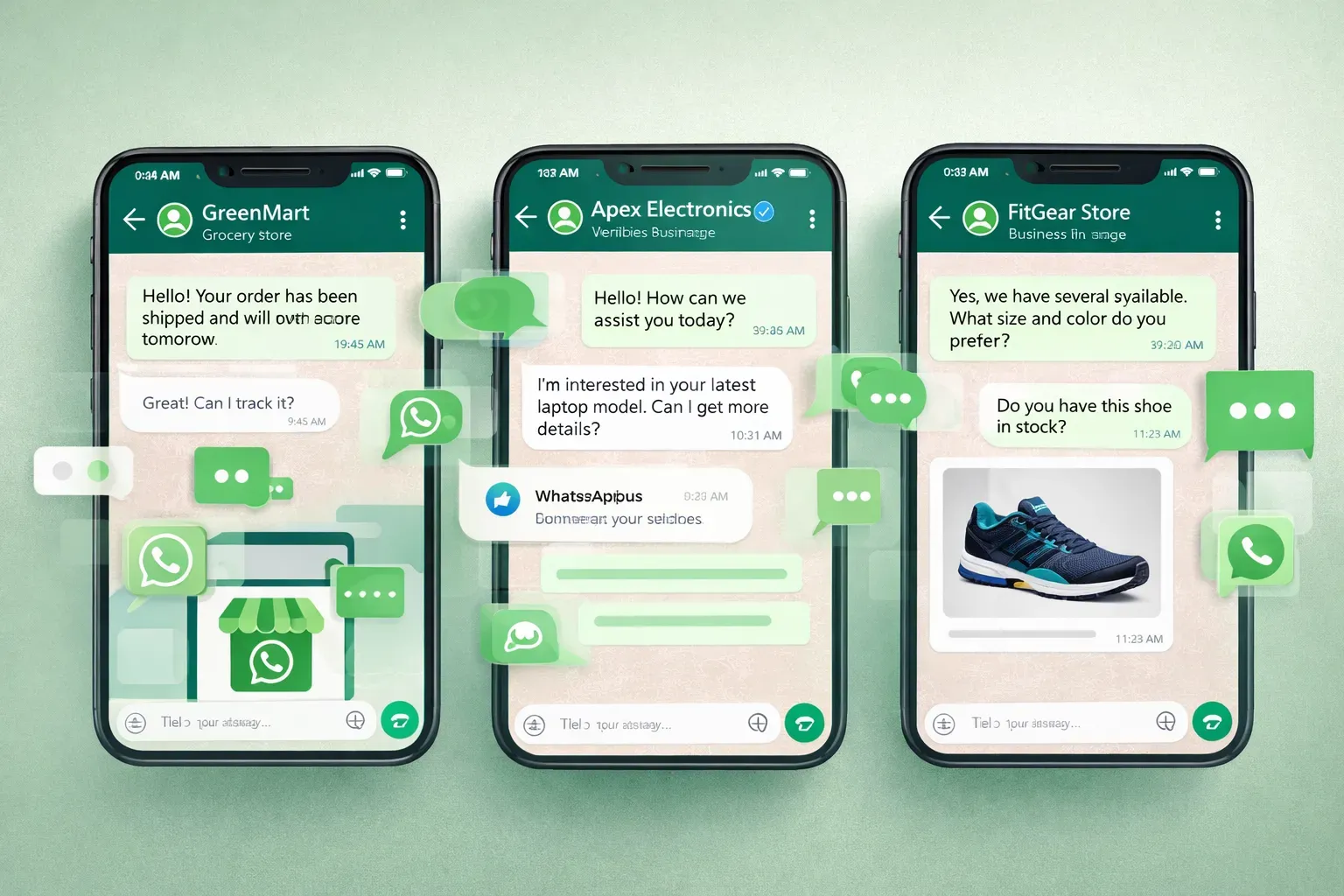
For businesses using WhatsApp for marketing, sales, or customer support, getting WhatsApp blue tick verification is one of the most important steps to build trust and improve account stability.
A verified WhatsApp Business account shows customers that your brand is real, official, and recognized by Meta. It also helps reduce the risk of bans, increases messaging limits, and improves delivery rates.
In this guide, we will explain how WhatsApp blue tick verification works, the requirements, and how to increase your approval chances.
What Is WhatsApp Blue Tick Verification
WhatsApp blue tick verification (also called WhatsApp green tick or official business account) means that Meta has confirmed the authenticity of your business.
When your account gets verified, a badge appears next to your business name in chats.
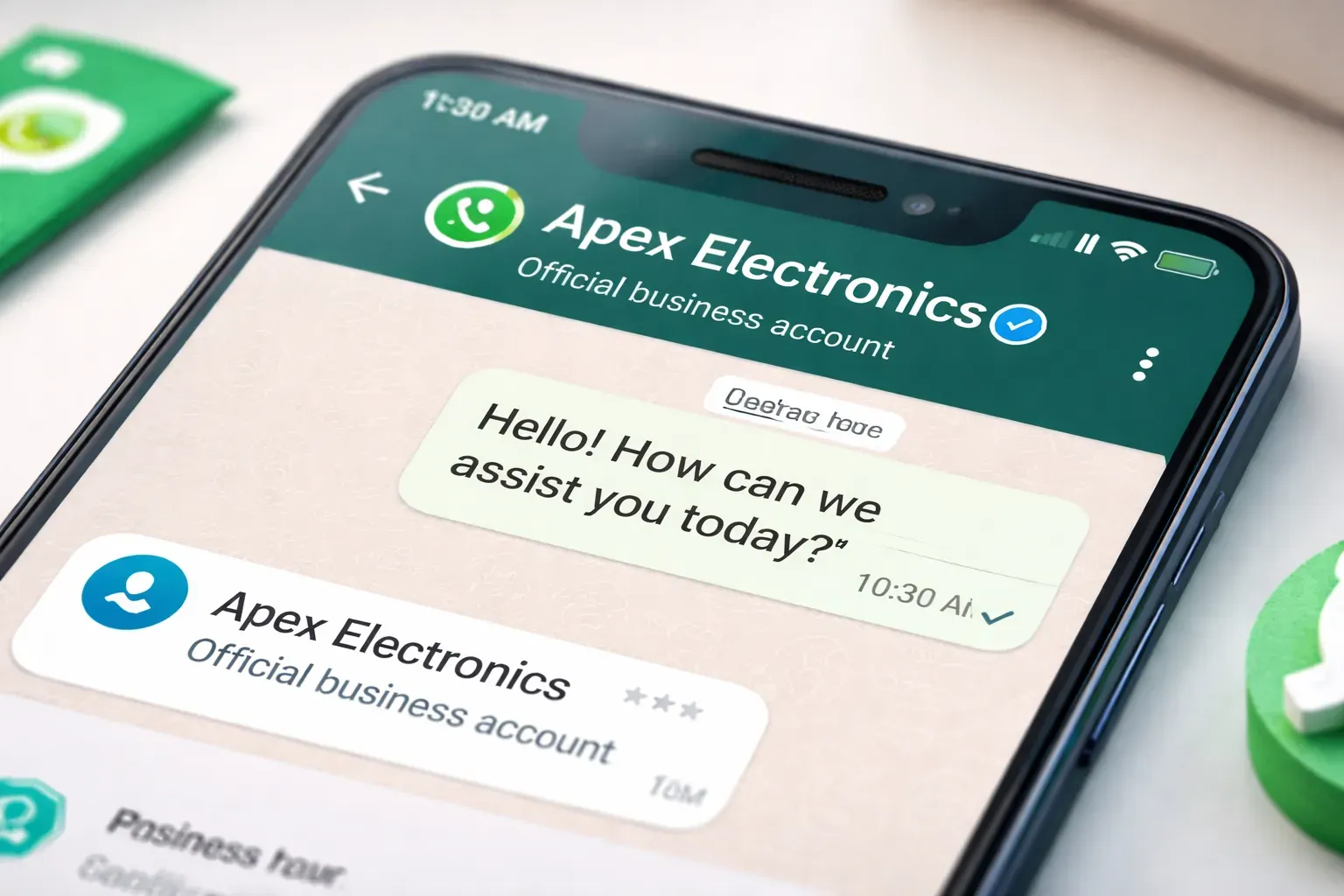
Benefits of WhatsApp blue tick verification
- Higher customer trust
- Higher messaging limits
- Lower risk of suspension
- Better message delivery
- Official brand recognition
Most businesses cannot apply directly.
You usually need to unlock Meta Verified first before applying for WhatsApp business verification.
Meta Verified vs WhatsApp Blue Tick Verification
Many users confuse Meta Verified with WhatsApp blue tick verification, but they are different.
Meta Verified is a paid identity verification service.
WhatsApp blue tick verification is official business approval.
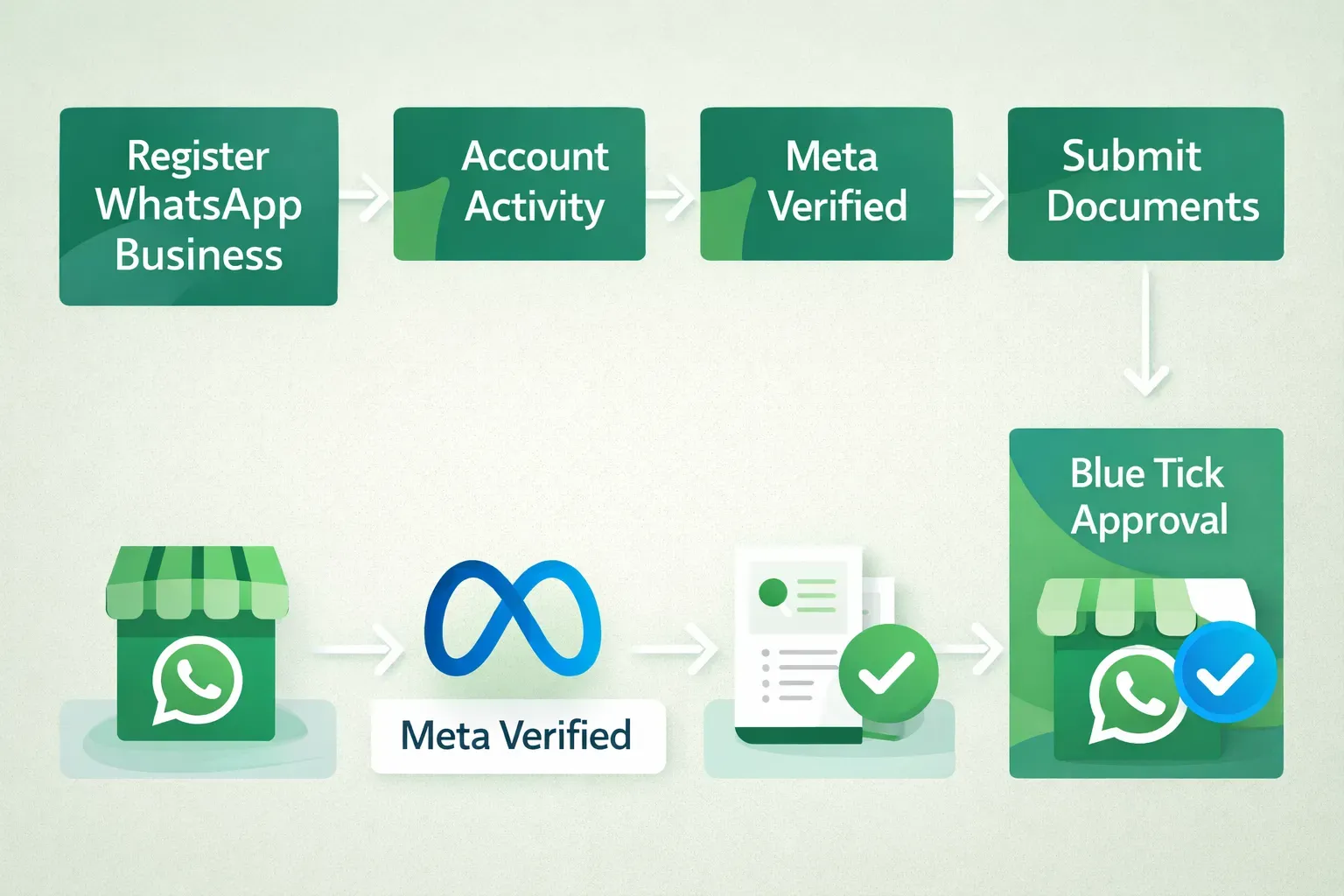
Typical process:
- Register WhatsApp Business
- Keep account active
- Unlock Meta Verified
- Submit business documents
- Apply for WhatsApp blue tick verification
Meta checks account activity, business authenticity, and brand reputation before approval.
Requirements for WhatsApp Blue Tick Verification
To apply for WhatsApp blue tick verification, your account must meet several conditions.
Basic requirements
- Use WhatsApp Business
- Real business name
- Complete business profile
- Valid phone number
- Business website or social media
Account activity requirements
- Send messages regularly
- Reply to users
- Have real conversations
- Avoid spam behavior
New or inactive accounts usually cannot apply for verification.
Why You Cannot See the Meta Verified Option
Many users cannot find the Meta Verified button.
Common reasons:
- Account is too new
- Not enough conversations
- Profile incomplete
- Too many reports
- Suspicious activity detected
Meta only allows verification for accounts that look like real businesses.
That means your account must stay active for a period of time before verification becomes available.
How to Unlock WhatsApp Blue Tick Verification Faster
Normally, it may take weeks of activity before Meta allows verification.
For businesses using multiple accounts, this process is slow.
To speed up WhatsApp blue tick verification, the account should:
- Keep daily conversations
- Talk with different contacts
- Maintain natural message timing
- Increase activity gradually
- Avoid sending bulk spam
Many companies use account warm-up tools to simulate real conversations and keep accounts active.
When the account becomes active enough, the Meta Verified option will appear automatically.
Documents Needed for WhatsApp Blue Tick Verification
When applying for WhatsApp blue tick verification, you may need to submit:
- Business registration certificate
- Company website
- Official email domain
- Social media pages
- ID of owner
- Business address
Meta will check if your brand exists online.
Accounts with website + social media + real activity have higher approval rate.
How Long Does WhatsApp Blue Tick Verification Take
Typical timeline:
- Account warm-up: 7–20 days
- Meta Verified unlock: depends on activity
- Verification review: 7–14 days
- Reapply after rejection: about 30 days
Approval speed depends on account quality and business credibility.
If you want a more detailed guide on how to keep your WhatsApp account stable during and after verification, you can read this guide:
WhatsApp Warm-Up 2026: Avoid Bans and Build Durable Accounts
This article explains practical warm-up strategies, sending limits, and safe usage tips that can help reduce the risk of restrictions during WhatsApp blue tick verification.
Tips to Increase WhatsApp Blue Tick Approval Rate
- Use real business information
- Keep account active every day
- Avoid spam messages
- Build a website
- Use the same brand name everywhere
- Maintain natural conversations
Meta prefers accounts that look like real businesses, not marketing bots.
Conclusion
Getting WhatsApp blue tick verification is one of the best ways to improve account stability, trust, and messaging ability.
The key steps are:
- Use WhatsApp Business
- Keep account active
- Unlock Meta Verified
- Submit documents
- Apply for WhatsApp blue tick verification
With proper preparation, the success rate can be greatly improved.
WhatsApp Proxy, Blue Tick & Multi-Account: What Actually Keeps You Safe (2026)
Three terms people search constantly — WhatsApp proxy, blue tick (verified business), and multi-account — but none of them is a replacement for trust-building. Here's what each actually does, and the common thread that keeps numbers alive.
SwitchyOmega Proxy: 2026 Quick Setup Guide
Learn how to use SwitchyOmega proxy in 2026 with SOCKS5, auto switch rules, and fingerprint isolation. Compare SwitchyOmega with fingerprint proxy solutions for safer WhatsApp multi-account management.