
WhatsApp Account Banned? Appeal & Prevention Guide
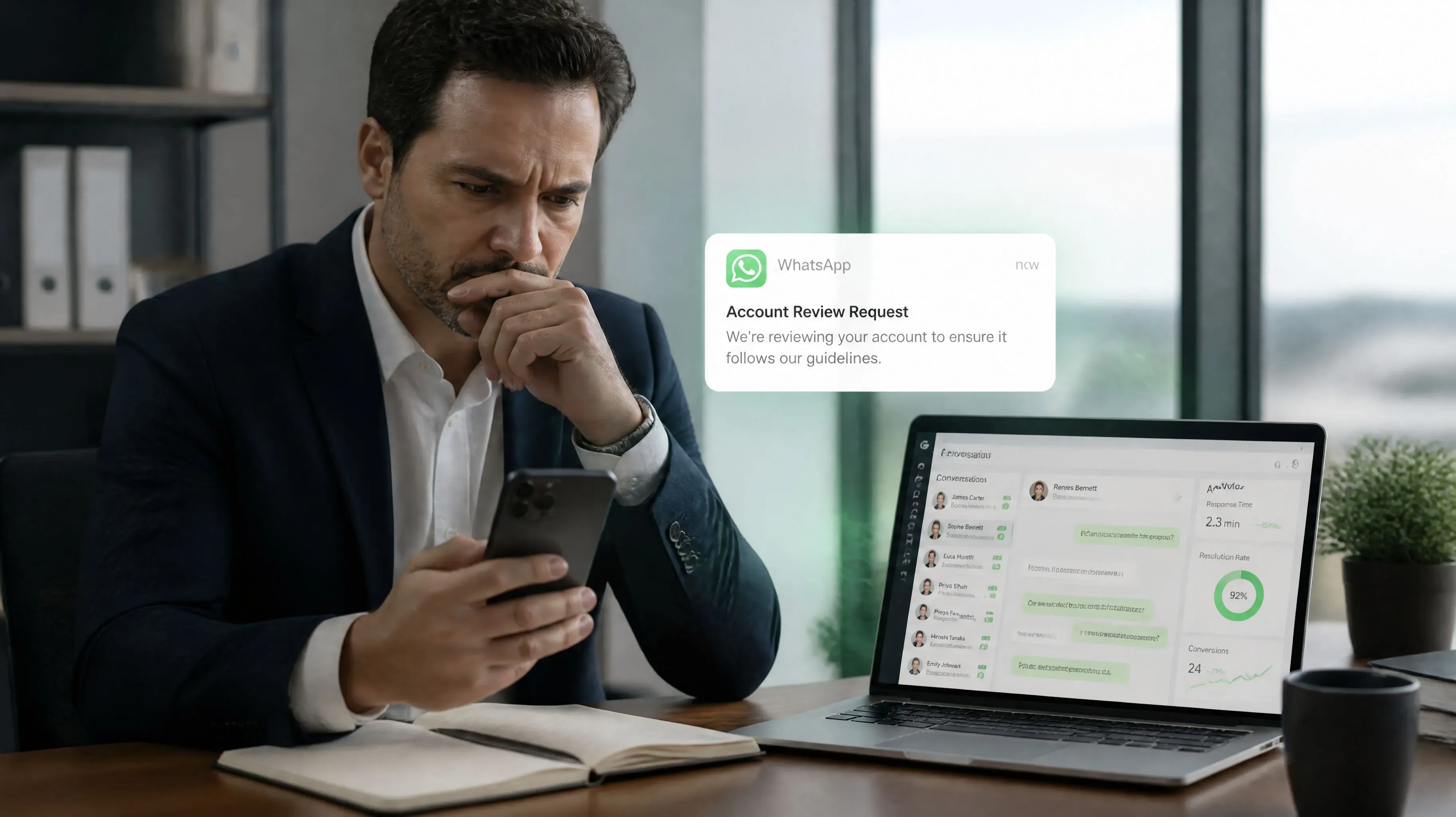
For many people who rely on WhatsApp for international business, having an account banned is one of the most frustrating problems they can face.
Customers can no longer reach you.
Chat history becomes inaccessible.
Orders you were actively following up on are suddenly interrupted.
An account you spent months, or even years, building can become unusable in an instant.
What makes it even more frustrating is that many users receive a ban notice without knowing exactly what they did wrong.
If you are dealing with this situation, don’t panic.
Before you try to appeal, the most important thing is not to look for all kinds of “quick unban tricks,” but to first understand why your account was banned.
If the root cause is not addressed, your account may still trigger risk controls again even after it is successfully restored.
Based on real operational experience, this guide explains the most common reasons WhatsApp accounts get banned, the correct appeal process, and how to reduce the risk of being banned again.
Why Do WhatsApp Accounts Get Banned?
1. Frequent Changes in Network Environment
For example:
- Frequent IP address changes
- Frequent VPN node switching
- Logging in from multiple locations at the same time
- Frequently changing devices
These behaviors can cause the system to identify the account as abnormal or risky.
This is especially true when multiple accounts share the same network environment for a long time, which can create account association risks.
If you manage multiple accounts at the same time, you may want to read:
How to Use Dedicated IPs for Multiple WhatsApp Accounts
2. Too Many Actions on a New Account in a Short Time
Many users start doing the following immediately after registering an account:
- Adding a large number of contacts
- Creating multiple groups
- Reaching out to unfamiliar customers proactively
For a new account, these actions can easily trigger risk controls.
3. Bulk Marketing Messages
For example:
- Sending a large volume of promotional messages
- Sending the same content repeatedly
- Sending links at high frequency
- Frequently sending promotional images
Even if the system does not actively detect abnormal behavior, user reports may still trigger restrictions.
4. Using Unofficial Clients
For example:
- WhatsApp Plus
- GB WhatsApp
- FM WhatsApp
These third-party clients violate official policies and carry a high risk of account bans when used over time.
5. Receiving a Large Number of Reports
Even if there is no obvious violation, receiving many user reports within a short period may still trigger account restrictions.
What Types of WhatsApp Bans Are There?
Temporary Ban
You may commonly see messages such as:
- Request a Review
- 请求审核
- Account Disabled
In this situation, there is usually still a relatively good chance of recovering the account.
Permanent Ban
A common message is:
This account is no longer allowed to use WhatsApp.
If there is no review entry available, recovering the account becomes much more difficult.
What Should You Do After Your WhatsApp Account Is Banned?
Step 1: Reinstall the Official App
Recommended steps:
- Uninstall your current WhatsApp app
- Clear cache and residual data
- Download and install WhatsApp again from an official source
Step 2: Tap Request a Review
After entering the banned phone number, you will usually see:
Request a Review
Tap it to submit your appeal.
This is currently one of the official channels with the highest success rate.
Step 3: Write Your Appeal Carefully
Many people fill in the appeal casually because they do not know how to structure the message.
In reality, the appeal does not need to be long.
The key is to:
- Explain your real use case
- Show that you are willing to follow the rules
- Avoid marketing-oriented wording
If you are not sure how to write your appeal, you can use:
WhatsApp Appeal Message Generator
It can automatically generate an appeal message based on your account situation and help you avoid wording that may negatively affect the review result.
WhatsApp Appeal Template in English
Hello,

My WhatsApp account was suddenly disabled without any prior warning.

This account is essential for my daily communication with clients and business partners.

If any of my actions unintentionally violated WhatsApp policies, I sincerely apologize and will strictly follow all platform guidelines moving forward.

Please kindly review my account.

My phone number is:

+86 XXXXXXXX

Thank you very much.
How Long Does It Take to Receive a Response After Submitting an Appeal?
Based on feedback from most users, the most common timelines are:
- A response within 24 hours
- Review completed within 1 to 3 business days
The review result is usually sent through:
- In-app notifications
- The registered email address
What If You Cannot Receive the Verification Code When Logging In?
Common reasons include:
- Abnormal network environment
- SMS messages being blocked by the phone
- The number has not been used for a long time
- Carrier restrictions
- The account has triggered system risk controls
Method 1
Turn off:
- SMS blocking
- Spam call/message blocking
- Security manager filtering features
Then request the verification code again.
Method 2
Switch directly to voice verification.
In many cases, SMS codes may fail to arrive, while voice verification codes can still be delivered successfully.
How to Avoid Being Banned Again
Do Not Start Marketing Immediately With a New Account
Recommended actions:
- Build normal chat history
- Maintain natural interactions
- Gradually increase account activity
Control Your Marketing Frequency
Avoid:
- High-frequency bulk messaging
- Repetitive content
- Large numbers of external links
Keep the Account Environment Stable
Try to avoid:
- Frequently switching devices
- Frequently changing networks
- Mixing multiple accounts in the same environment
For teams operating multiple accounts at the same time, you may also want to read:
WhatsApp Multi-Account Management Guide
Take Account Warm-Up Seriously
Many teams warm up and nurture accounts for a period of time before starting formal marketing.
Compared with launching marketing campaigns immediately after registration, this usually carries a lower risk.
How Can WAWarmer Help Reduce Ban Risk?
Account bans are often not caused by a single factor.
Network environment, account activity, device information, and user behavior all affect account health together.
Therefore, simply changing IPs or repeatedly submitting appeals cannot solve the problem at its root.
WAWarmer integrates account environment management with account warm-up.
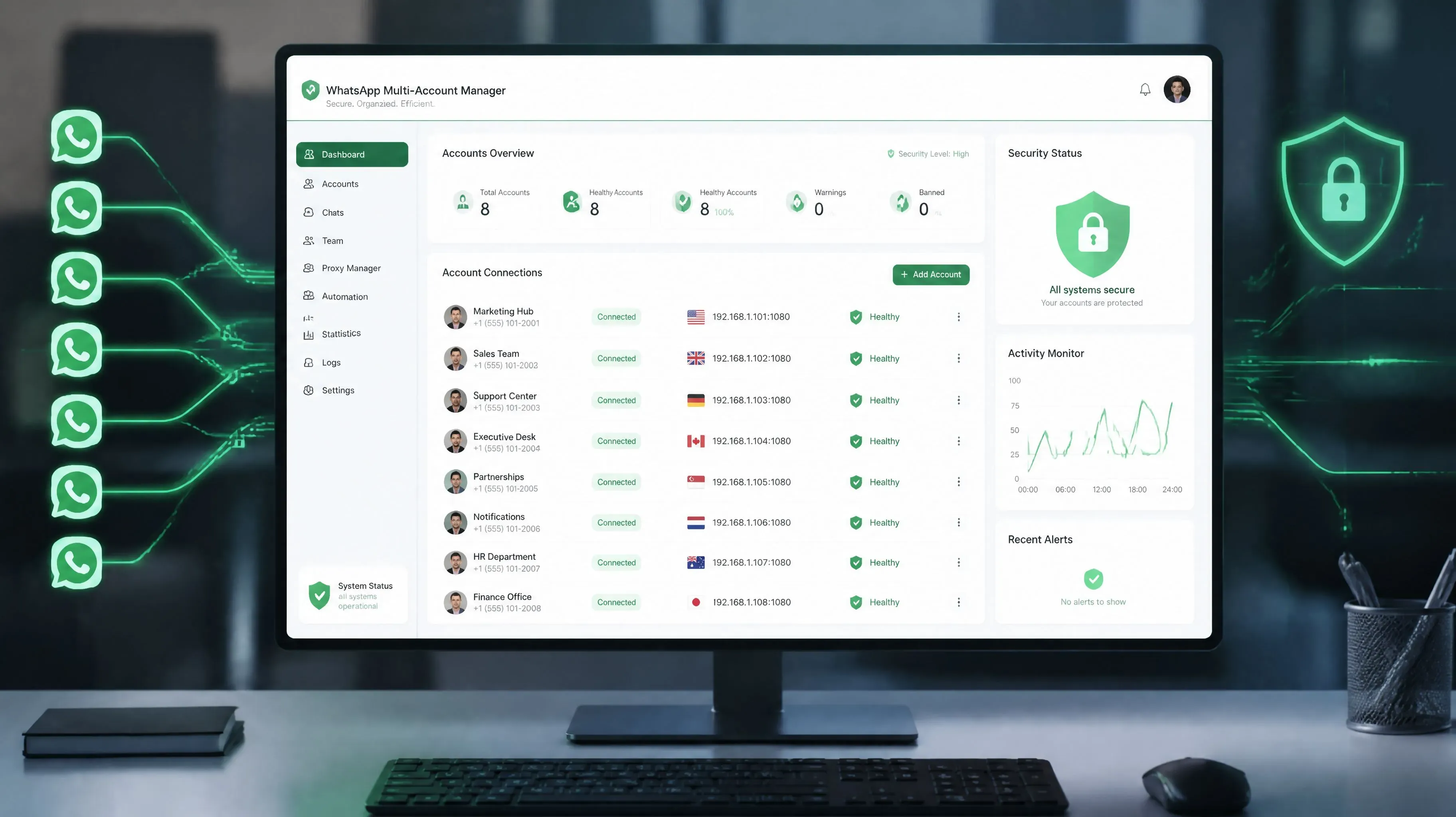
The system supports independent fingerprint environments for each WhatsApp account and batch proxy IP management, helping teams build a more stable operating environment for their accounts.
Combined with automated warm-up mechanisms, WAWarmer helps accounts develop a more natural activity pattern and reduces the chance of triggering risk controls due to overly aggressive operations.
For teams that operate multiple WhatsApp accounts over the long term, building a standardized account management system in advance is usually more important than constantly dealing with bans.
Conclusion
A banned WhatsApp account does not necessarily mean it can never be recovered.
For most accounts used normally, submitting an appeal through the official review channel still gives you a chance to restore the account.
More importantly, you should adjust your account usage and operational strategy promptly after the account is restored.
By reasonably controlling your marketing frequency, keeping the account environment stable, and paying attention to account warm-up and activity building, you can truly reduce the risk of being banned again.
After all, for cross-border businesses, a WhatsApp account that has operated stably for years is often far more valuable than constantly registering new accounts.
WhatsApp Warm-Up 2026: Avoid Bans and Build Durable Accounts
WhatsApp Warm-Up 2026: Safely build durable accounts in 7 days. Avoid bans, send 20-50+ daily messages. Free trial for new/unbanned numbers!
How to Use Dedicated IPs for Multiple WhatsApp Accounts
Does your IP environment affect account stability when managing multiple WhatsApp accounts? This article explains account linking risks, dedicated IPs, proxy setup, and account operations to help you build a more reliable WhatsApp account environment.