WhatsApp Shadowban: Signs, Causes, and How to Fix It
What Is a WhatsApp Shadowban?
A WhatsApp shadowban is an invisible restriction that limits your account's visibility and reach without officially notifying you or suspending your account. Unlike a full ban, which blocks you from using the service entirely, a shadowban quietly reduces your message delivery rate, hides your profile from search results, and prevents new contacts from adding you via phone number search.
For businesses that rely on WhatsApp for customer communication, sales outreach, or team coordination, a whatsapp shadowban can be far more damaging than it appears at first glance — because you often don't realize it's happening until revenue or response rates have already dropped.
Common Signs Your Account May Be Shadowbanned
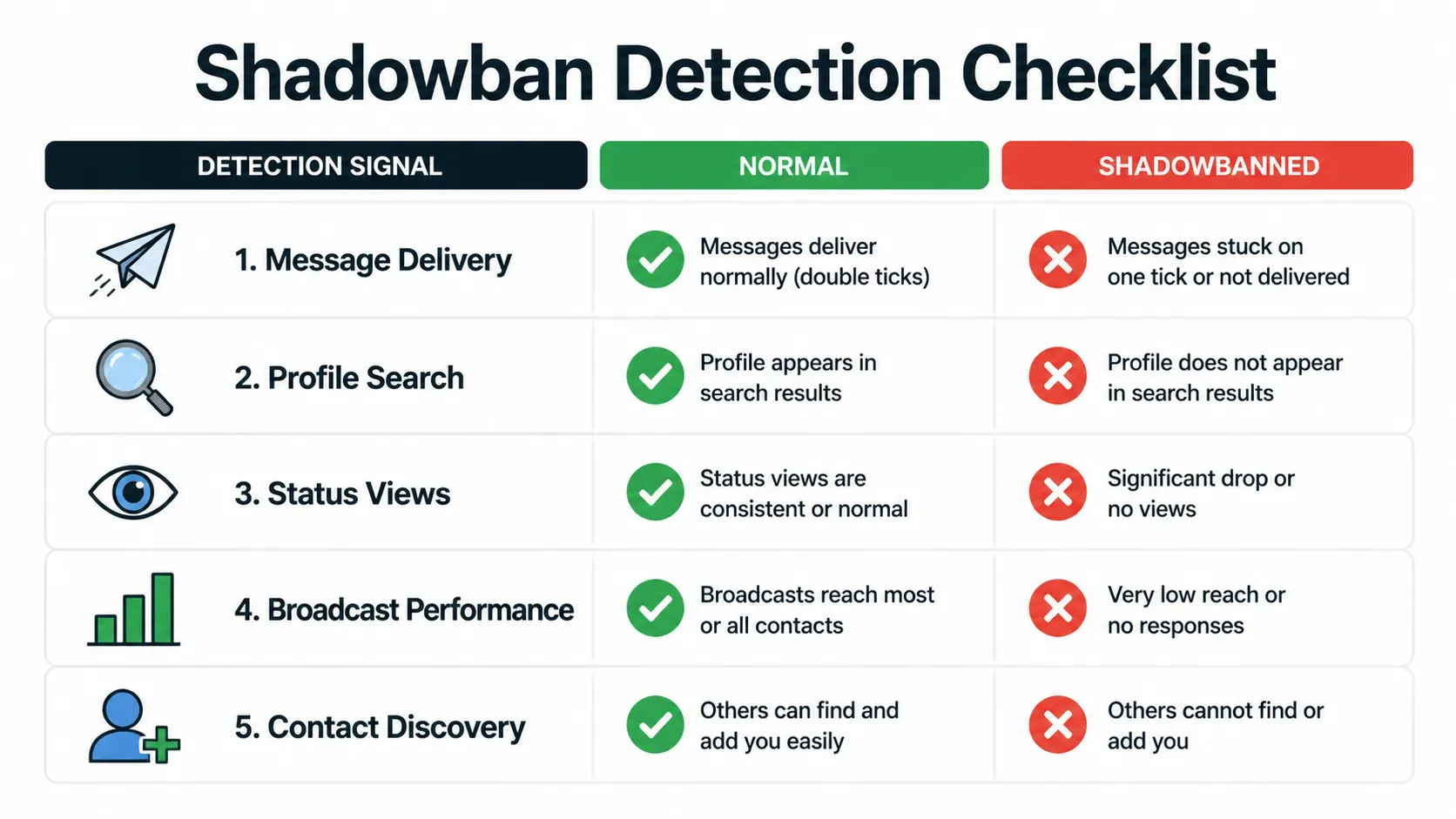
Shadowbans are designed to be subtle, but there are clear signals you can monitor:
| Signal | What It Looks Like | Normal vs. Shadowbanned |
|---|---|---|
| Message delivery rate | Messages show one check (sent) but rarely two (delivered) | <70% delivery = suspicious |
| Profile discoverability | Contacts can't find you by searching your number | "No results found" consistently |
| Status view count | Status views drop suddenly or stay near zero | <10% of contact list |
| Broadcast list performance | Open/reply rates on broadcasts collapse | Below historical average by >40% |
| New contact adds | People report they "can't find" your number | Multiple reports in short window |
The key difference: With a regular ban, you get an explicit notification. With a whatsapp shadowban, everything looks normal — but nothing works as expected.
What Causes a WhatsApp Shadowban?
Understanding root causes helps you avoid repeating them after recovery. The main triggers fall into four categories:
1. Mass Messaging Behavior
Sending identical or similar messages to many recipients in a short time frame triggers automated anti-spam systems. This includes broadcast lists, forwarded chains, and copy-paste templates sent without personalization.
2. IP Reputation Issues
Sharing an IP address with accounts that have been flagged (common on shared proxies or public Wi-Fi) can drag down your own reputation score. WhatsApp associates behavior patterns with IP fingerprints.
3. Low-Quality Interactions
If a significant percentage of your conversations are one-sided (you send, they don't reply), or if recipients block/report your number, the system flags your account as low-value or potentially spammy.
4. Device & Environment Anomalies
Frequently switching devices, using emulators, VPNs with inconsistent locations, or running multiple accounts from the same device fingerprint raises risk signals.
How to Confirm You're Shadowbanned
Before taking action, verify the problem:
- Ask 3-5 trusted contacts to search for your number in WhatsApp. If none can find you, it's a strong indicator.
- Send test messages to contacts who normally respond quickly. Track checkmarks over 30 minutes.
- Post a status update and compare view counts to your typical range.
- Try adding your own number from a different device or ask a colleague to try.
If 3 out of 4 checks fail, you're almost certainly dealing with a whatsapp shadowban.
Step-by-Step Recovery Guide
Phase 1: Immediate Actions (Days 1–3)
- Stop all outbound messaging except essential replies to existing conversations.
- Remove any automated tools or bulk-sending software connected to your account.
- Switch to a clean, dedicated IP address if you were previously on a shared proxy.
- Update your profile with complete, professional information (photo, bio, status).
Phase 2: Rebuilding Activity (Days 4–14)
- Respond naturally to incoming messages within reasonable time windows (avoid instant replies every time).
- Initiate 3–5 genuine conversations per day with existing contacts who actively engage back.
- Post 1 status update per day with varied content (text, photo, link) to rebuild engagement signals.
- Avoid broadcast messages, forwards, and group spam during this phase.
Phase 3: Monitoring & Scaling (Days 15–30)
- Gradually increase outbound volume by 10–15% per week as long as delivery rates stay above 85%.
- Track your metrics weekly: delivery rate, profile discovery success, status views, and reply ratios.
- Reintroduce messaging tools only after 14+ days of stable, natural-looking activity.
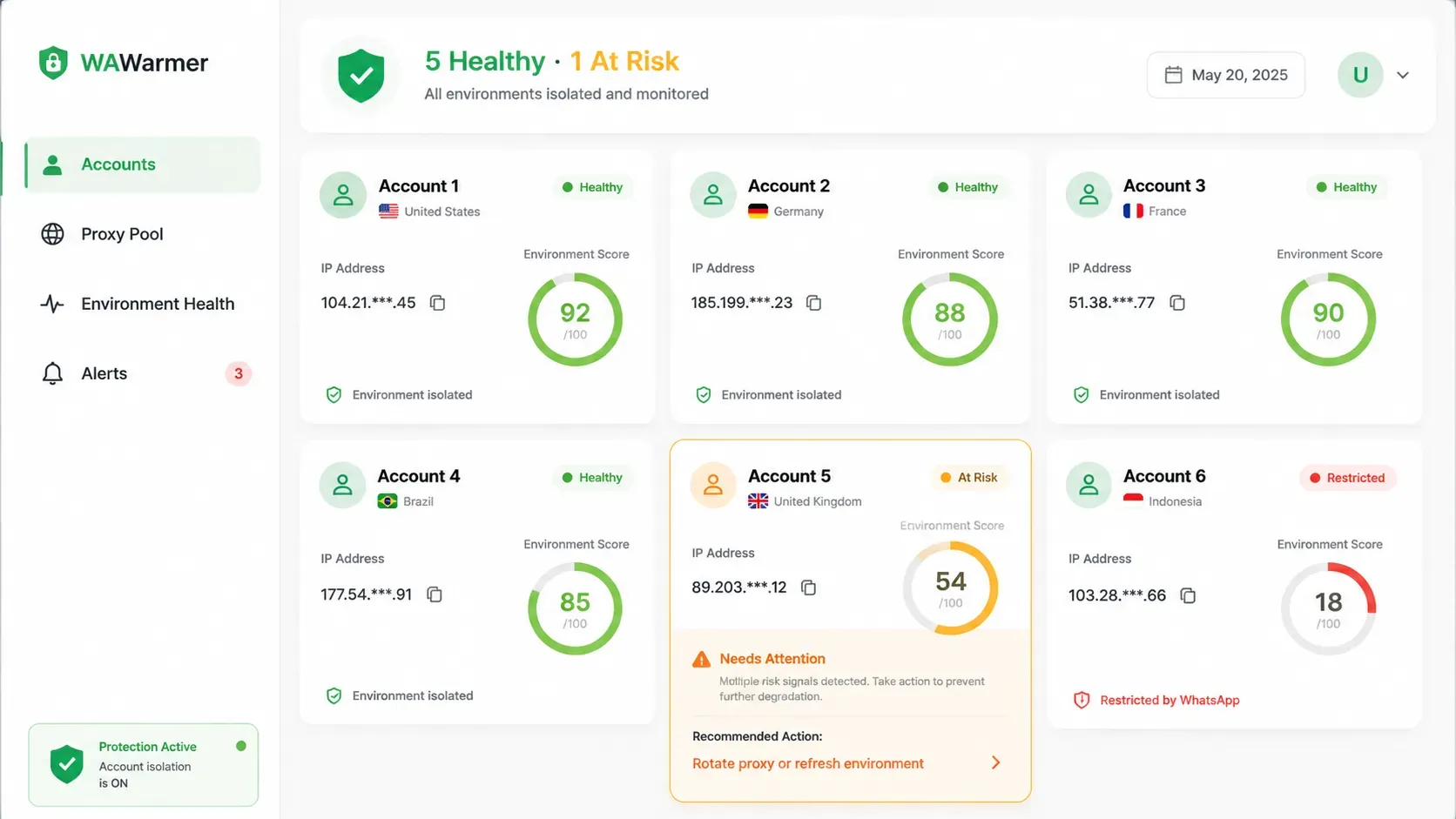
This is why many users combine their recovery strategy with WAWarmer.
WAWarmer provides dedicated proxy configuration, unique device fingerprints, WebRTC blocking, and Canvas fingerprint protection — achieving one account, one isolated environment. For teams recovering from or preventing whatsapp shadowban situations, having each account run on its own clean environment significantly reduces the chance of cross-account reputation damage.
Key features relevant to shadowban prevention:
- Dedicated Window Proxy — each account gets its own clean IP
- Unique Device Fingerprint — no cross-account device association
- Traffic Rotation — spread activity across multiple numbers safely
- Automated Warm-Up Engine — rebuild trust gradually and systematically
Prevention Best Practices
Once recovered (or ideally, before problems start), adopt these habits:
- One account = One IP = One device environment. Never cut corners here.
- Personalize every outbound message. Even small variations (name, reference to last conversation) help.
- Keep reply rates above 60%. If people aren't responding, reduce volume, don't increase it.
- Monitor weekly. Don't wait for a crisis — track delivery rates and discovery results proactively.
- Use proper tools. Manual management doesn't scale beyond 2–3 accounts.
Conclusion
A whatsapp shadowban won't announce itself with a notification banner. By the time you notice something is wrong, days or weeks of reduced reach may have already impacted your business. The good news is that recovery is possible with patience, disciplined behavior changes, and the right infrastructure.
If you manage multiple accounts or run WhatsApp-based operations at scale, investing in a proper account management platform early is almost always cheaper than recovering from restrictions later.
Try WAWarmer to set up isolated environments for your WhatsApp accounts and protect your business from shadowbans before they happen.
How to Manage Multiple WhatsApp Accounts Efficiently in 2026
Managing multiple WhatsApp accounts becomes challenging as teams grow. This guide explores practical WhatsApp multi account management methods, their pros and cons, and how businesses organize accounts efficiently in 2026.
How to Recover a Banned WhatsApp Account (2026 Guide)
WhatsApp banned in 2026? Learn how to recover your account, submit a Request Review, use appeal templates, and prevent future bans with proper account warm-up.